Milestones
A milestone keeps results worth comparing with: a release, a benchmark, "the best denoiser so far". Once saved, they are one click away in every commit's Change menu, and the cleanup of old results keeps them.
A milestone is a commit's batch, maybe with a filter: for example the CI batch of the commit that shipped as kd-1.3. You'll do three things with milestones:
- Save one: click the star next to the commit's hash.
- Compare with one: pick it in the reference's Change menu.
- Share one: copy its link.
Save a milestone
- Open the results to keep: the commit, its batch, and a filter if only some runs matter.
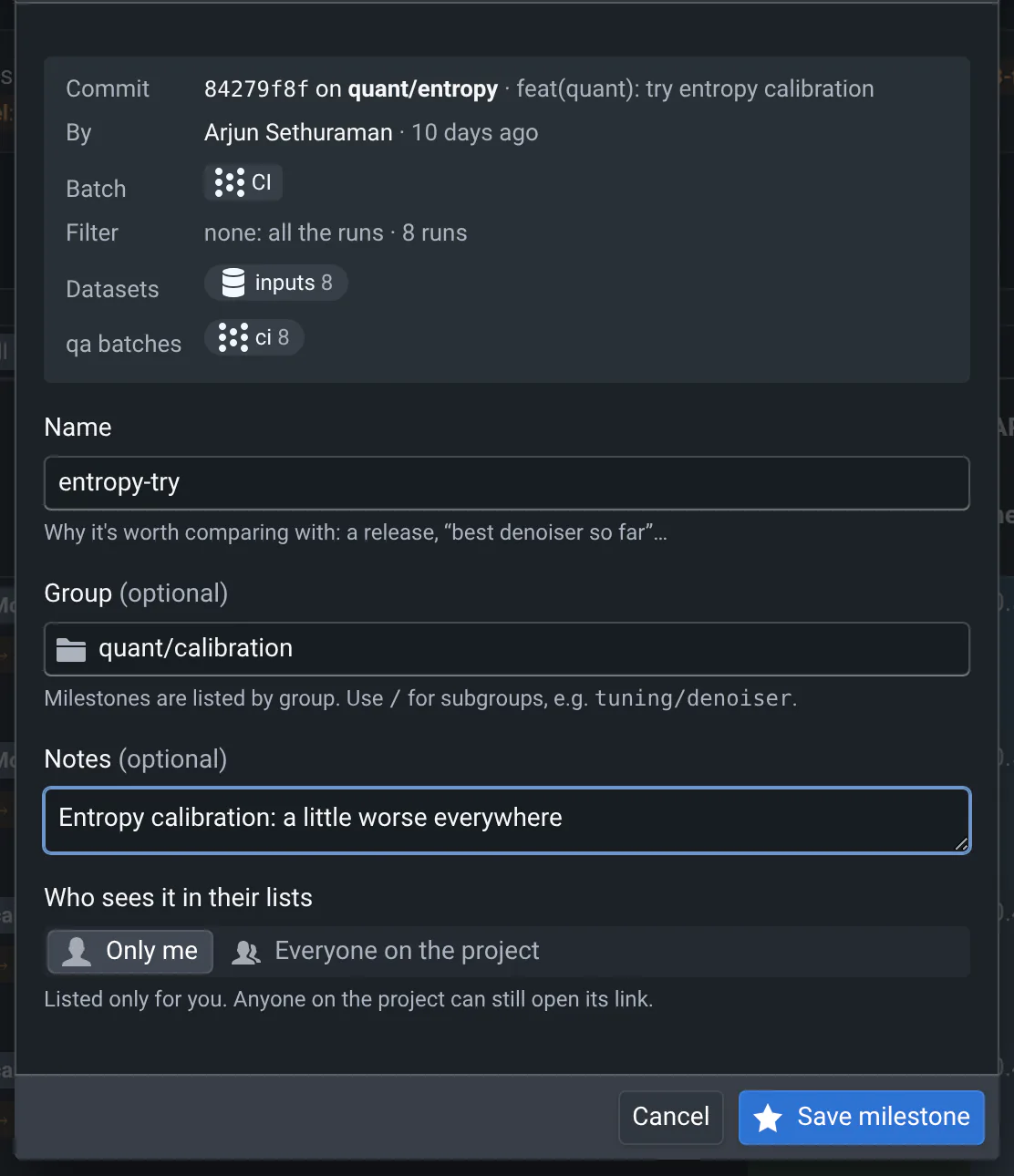
- Click the star next to the commit's hash, in the new or the ref bar. A dialog shows what you are about to save: the commit, its batch, the filter, how many runs match, and the datasets they used.
- Type a Name that says why it matters. One is suggested: type over it.
- Optionally, add a Group, like
releasesortuning/denoiser(/makes subgroups), and Notes: what changed, what to look at. The groups you already use are suggested. - Choose Who sees it in their lists: Only me, or Everyone on the project.
- Click Save milestone.
The star fills in (a crown for milestones shared with the project), and the milestone's name shows next to it.
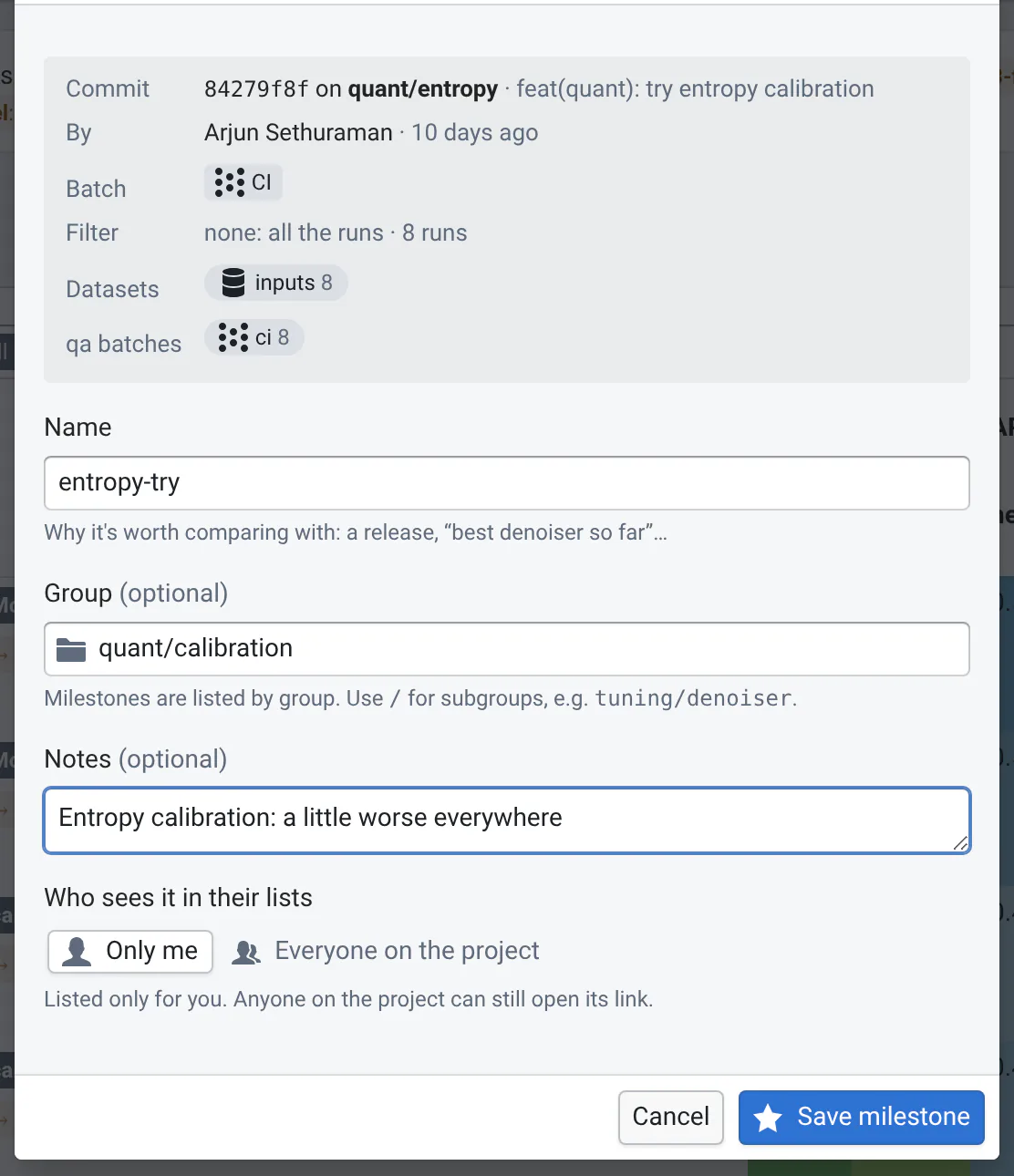
You need to be signed in: milestones are saved in your account, so they follow you on every computer. A commit's batch can have several milestones, e.g. one per filter.
Before October 2026, "private" milestones were saved in your browser. Sign in once with that browser: they move to your account, as milestones listed only for you.
Compare with a milestone
Milestones are listed in two menus:
- The Change menu of the commit bars: pick a milestone in the ref bar's menu to compare with it, in the new bar's to look at it. Its batch and filter are selected too.
- The sidebar's Milestones menu: pick one to open its results, compared with the project's default reference.
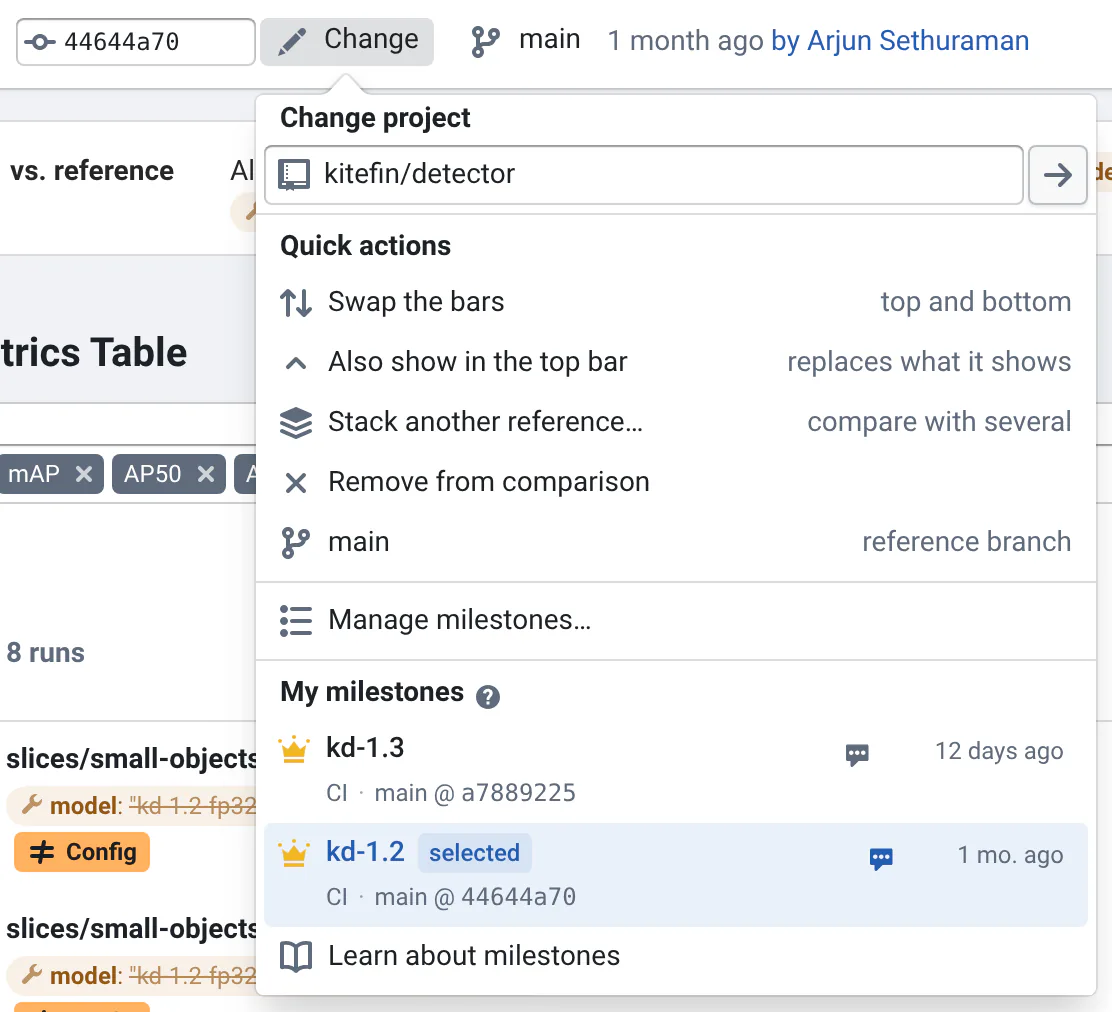
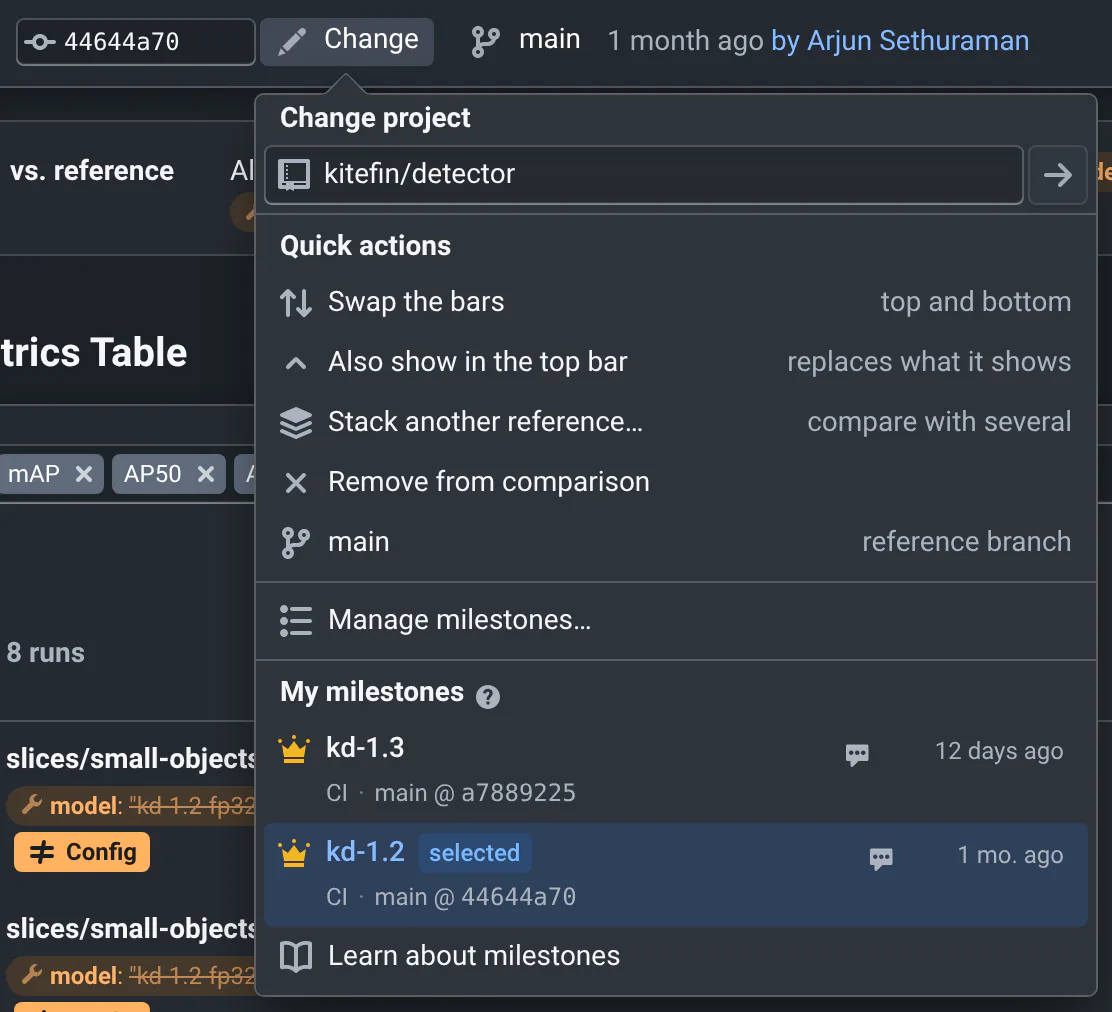
Both menus list, in this order:
- Your Favorites: click the heart of a milestone to keep it first, and one click away in the sidebar, under Milestones. The heart of a group keeps all its milestones first, even those saved later.
- My milestones, by group. Click a group to collapse it: it stays collapsed.
- The milestones Shared with the project, with who saved them.
- The branches, tags and commits the project lists From qaboard.yaml (see Project references). In the Change menu, picking one selects its latest commit; in the sidebar, it opens its commits.
The search box matches everything a milestone says: name, group, notes, branch, batch, filter, commit, owner. Enter picks the first result. Hover a milestone to add it to your favorites, copy its link, or edit it.
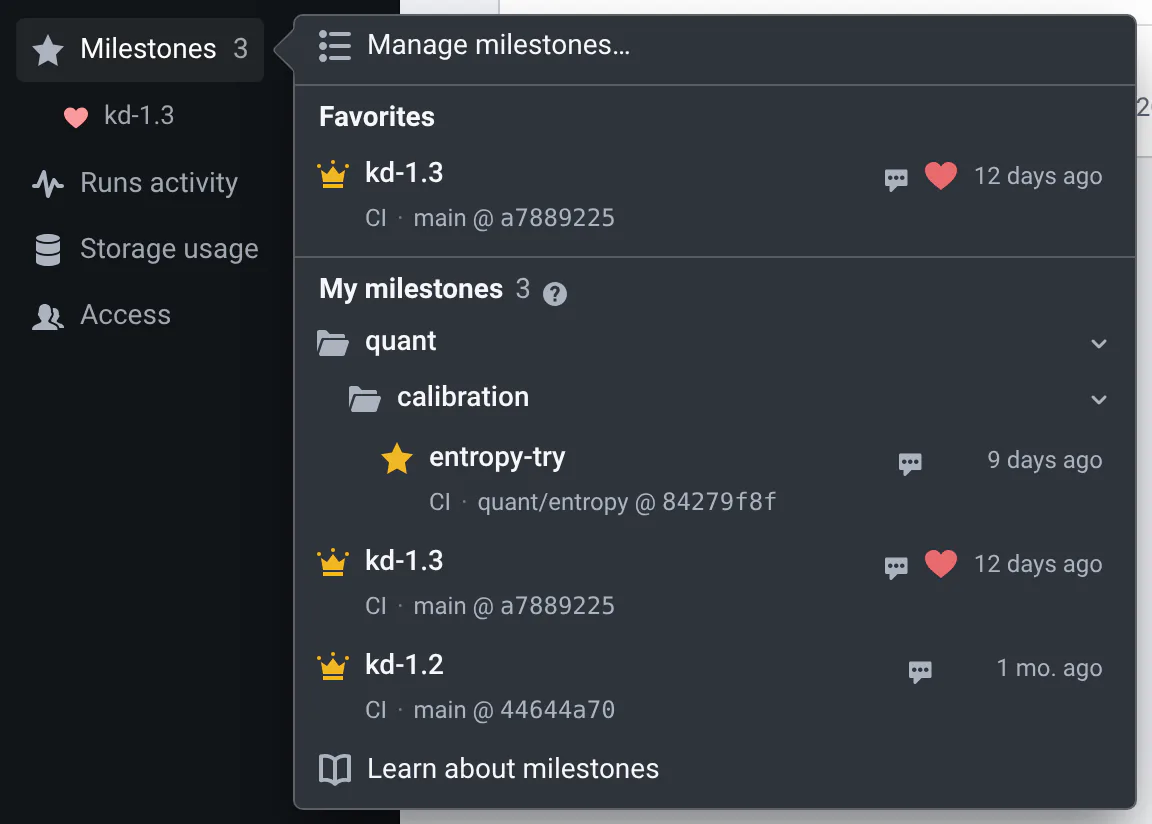
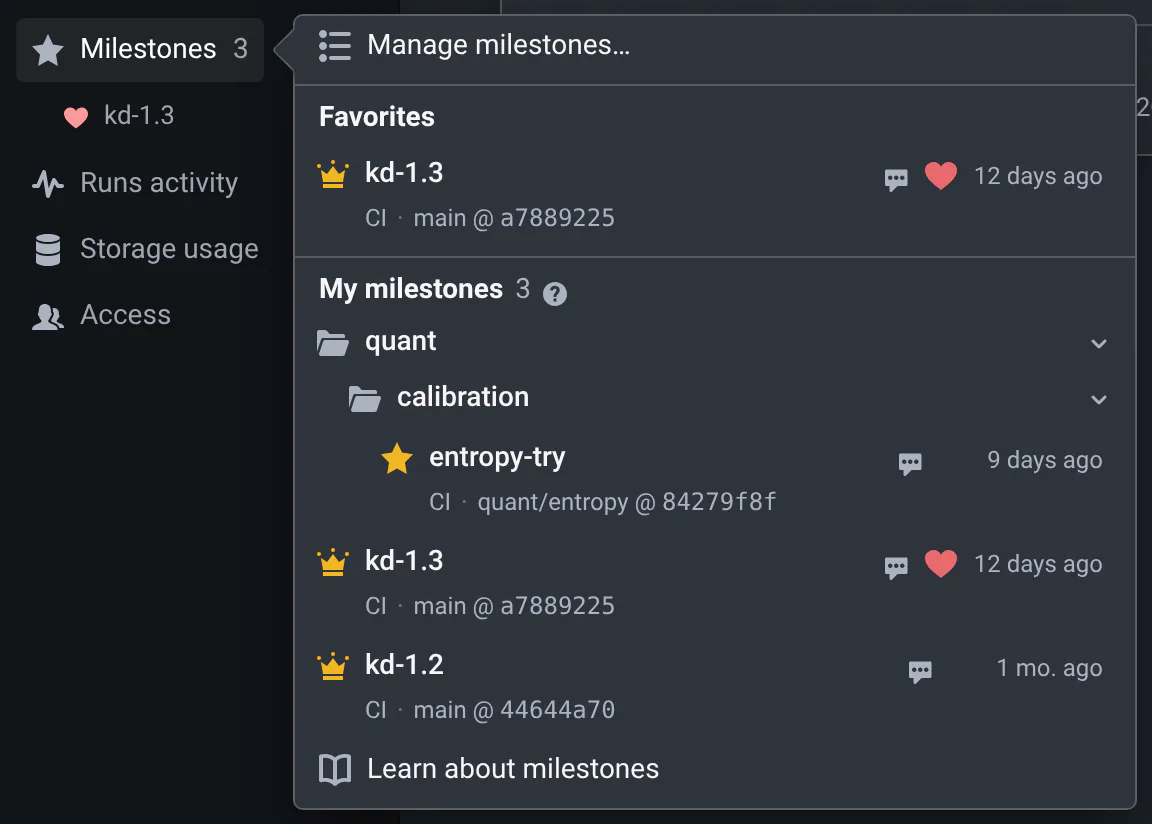
Milestones also show elsewhere: a star in the commit list marks commits with milestones (hover it for their names), and a star in the batch selector marks the batches that are milestones.
Search by dataset, qa batch or platform
The search boxes also match what the milestone's runs used: their datasets (the databases of their inputs), the
qa batches they ran in, and their platforms. Type dataset:indoor, qa-batch:nightly or platform:arm to search
only those; plain words search them too. When a milestone is listed only because of its runs, it says why, e.g.
dataset: indoor/2024. The save dialog shows them before you save.
Share a milestone
Each milestone has a link, like https://<your-qaboard>/kitefin/detector/milestone/12-kd-1-3. Copy it from the
menus (hover the milestone), from Manage milestones…, or with Copy link in the milestone's dialog. It opens
the milestone's results.
- Only the number matters: renaming a milestone keeps its links working.
- Anyone who can see the project can open the link, even for milestones listed only for you.
To share a comparison of two milestones, add the reference milestone after ?vs=:
https://<your-qaboard>/kitefin/detector/milestone/12-kd-1-3?vs=11-kd-1-2. Copy it from Manage milestones…
(select the two milestones), or with the link button next to the reference's milestone name, when the new and
reference results are both milestones.
If a link's milestone was deleted, the page says which one it was, and offers to open the other milestone of a comparison. If only the reference milestone of a comparison was deleted, the new milestone opens, compared with the project's default reference, and a message says so.
Edit a milestone
When the results you look at are a milestone, click its star, or its name next to it, to edit it: rename it, change its group, its notes or who sees it, copy its link, add it to your favorites, or delete it.
- Only its owner can edit a milestone. Others can Save my own copy, listed only for them.
- The page calls the milestone's results by its name, in the bars, the viewers and the metrics tables: rename the milestone to change it.
- Deleting a milestone keeps its results, but the cleanup of old results can then delete them, and its links stop working. A shared milestone disappears for everyone on the project.
Manage milestones
Manage milestones…, at the top of the milestones menus, opens all the project's milestones in a table, with their notes and what their runs used: how many, their datasets and qa batches.
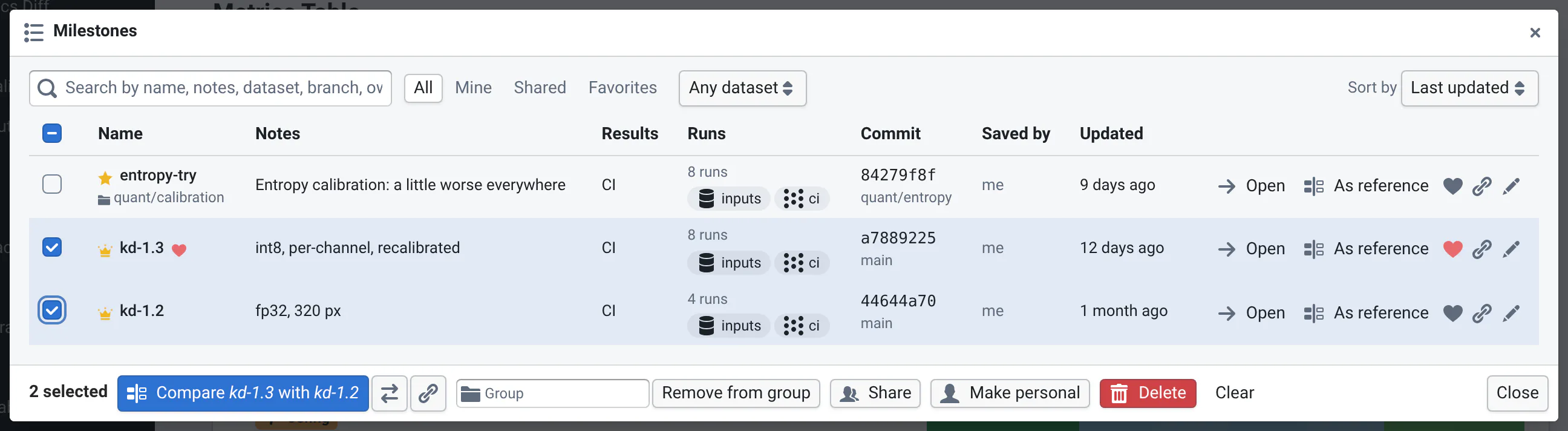
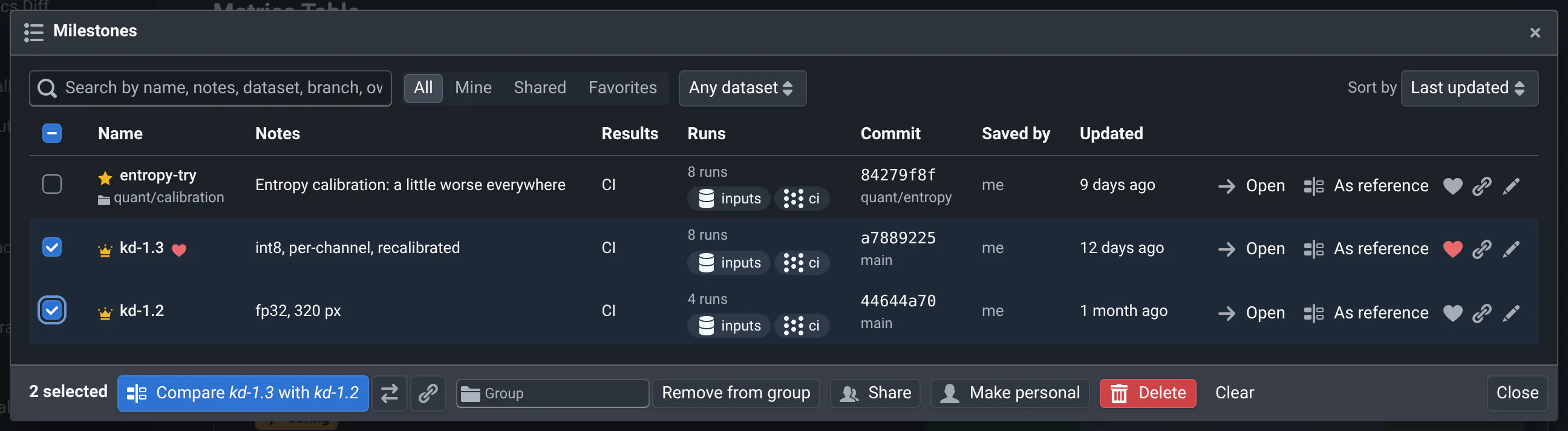
- Find them: sort by Last updated (the default), Last created, Name or Group, search them, show All, Mine, Shared or Favorites, and pick a dataset or qa batch to see only the milestones whose runs used it.
- From each row: Open it, use it As reference (on a commit page), add it to your favorites, copy its link, or edit it. On a commit page, Open shows it as the new results, and keeps the reference.
- Several at once: select milestones to move them to a group, Share them, Make personal or Delete them (only yours: others' milestones are skipped).
- Compare two: select exactly two, then Compare them. The most recently updated is the new results: swap them with the arrows, or copy the link to the comparison.
What a milestone keeps
A milestone protects its results, so that you can compare with them months later:
- The cleanup of old results keeps the batches that are milestones: only those, not the commit's other batches (see Deleting old data).
- The web app won't delete all the runs of a milestone's batch: delete the milestone first. You can still delete its failed runs, or only its output files (switch on Delete files, keep metadata in the bar's menu). In the commit list, Delete all runs, except milestones… deletes the commit's other batches.
Projects can also list releases as milestones in qaboard.yaml: see References & Milestones. In CI, the experimental quality gate can compare a commit with a milestone.
Where to go next
- Choose another referenceA milestone, another commit or branch, or several references at once.
- HistoryFollow a metric over a branch's commits, to the one that changed it.
- SharingLinks to what you see, paths, exports and bug reports.