Finding results
Find the results you came for: your commit, the right batch of runs, then only the runs that matter.
Find your commit
Open your project from your home page, or from Explore, which lists every project. You can also press Ctrl K and type its name (see Search from anywhere). Once signed in, you land on your batches: what you ran in the project, from the web app or your terminal (see Yours or everyone's). Click Everyone for the commit list, the latest commits with results on all branches, newest first. From there, find a commit in one of three ways:
- Scroll the list. Commits are grouped by day. On the right of each row, the N runs button (e.g. 5 runs) opens the commit page.
- Search for it. Type a word of its message, a committer's name or the start of its hash in the search box at the top right (Search commits, or go to a branch or commit…). It searches all the project's commits, not only the latest. See Search commits.
- Open its branch. Click the branch name in any row, or the reference branch at the top of the sidebar, to see only that branch's commits.
The list shows the last 3 days. If your commit isn't there, search for it, or pick earlier dates at the top left.
Yours or everyone's
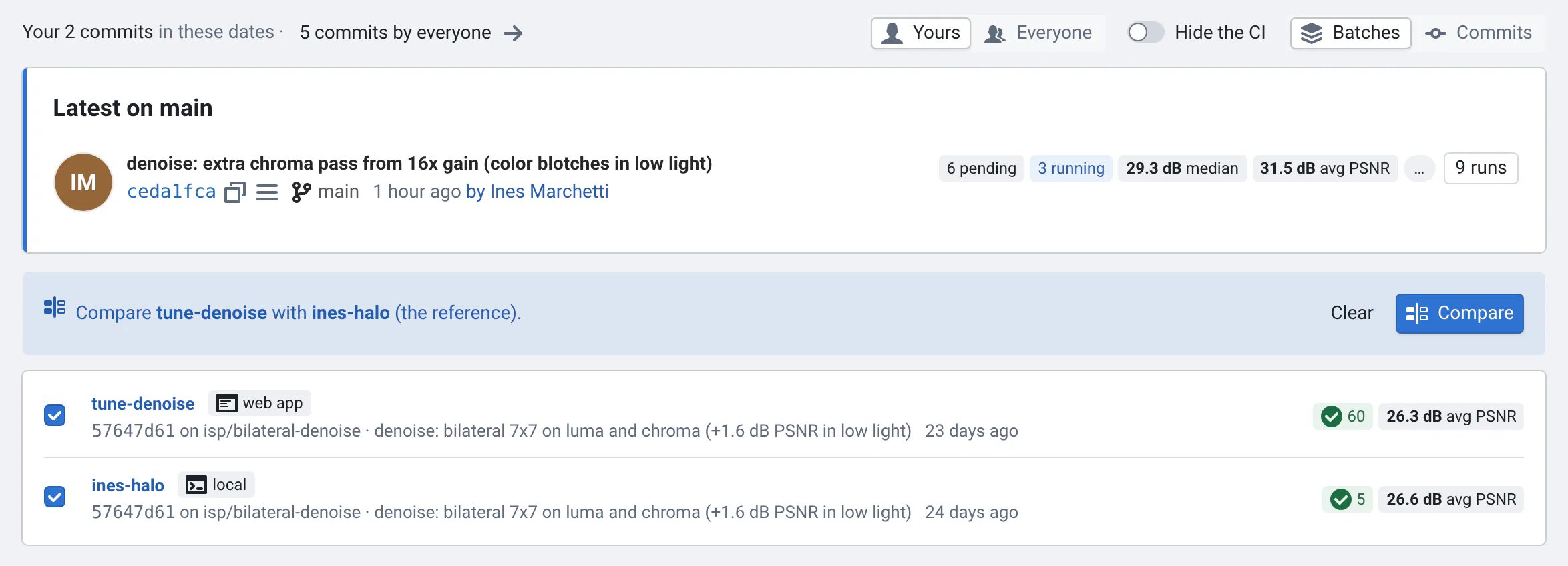
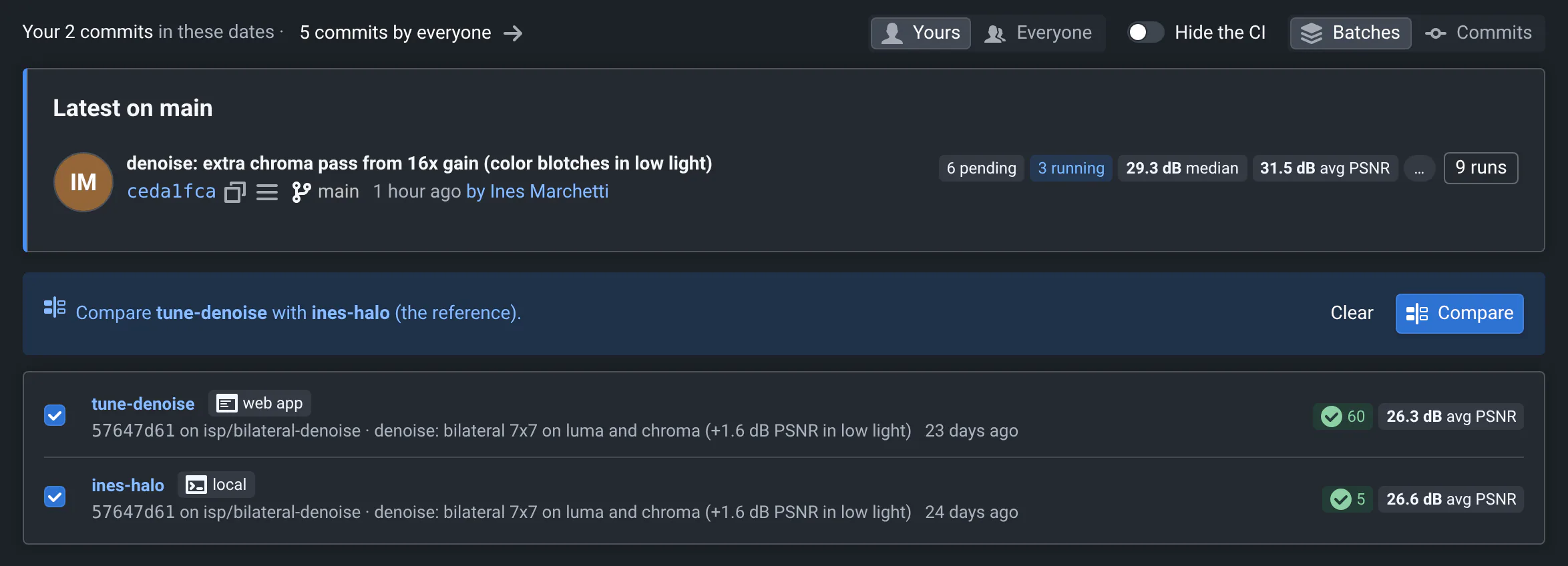
Signed in, a project's page starts with your work: Yours lists the batches you started, the latest first, with their progress while they run. On top, Latest on the project's reference branch (e.g. Latest on main) shows where the reference is, whoever committed it.
- See everyone's: click Everyone, or the N commits by everyone count. The page remembers your choice for the project, and the link you copy says which you see.
- Leave out the CI: turn on Hide the CI to see what people ran from the web app or their terminal. With Everyone, that's how you look at your teammates' experiments.
- Batches or commits: Batches lists runs as you started them, Commits groups them by commit, as before.
- Compare two batches: tick them in Batches, then Compare. The first is compared with the second, the reference.
What counts as yours
- The batches you started: from the web app (Run Tests / Tuning, redoing runs), or with
qafrom your terminal. Runs sent without a token count too, by the user nameqagives ($USERorQA_USER). - The commits you wrote: their author's email is your account's. If your git config uses another email, add it in Settings → Profile (Your other git emails).
- The commits where you ran a batch.
If you have nothing in a project yet, its page shows everyone's.
Start from your home page
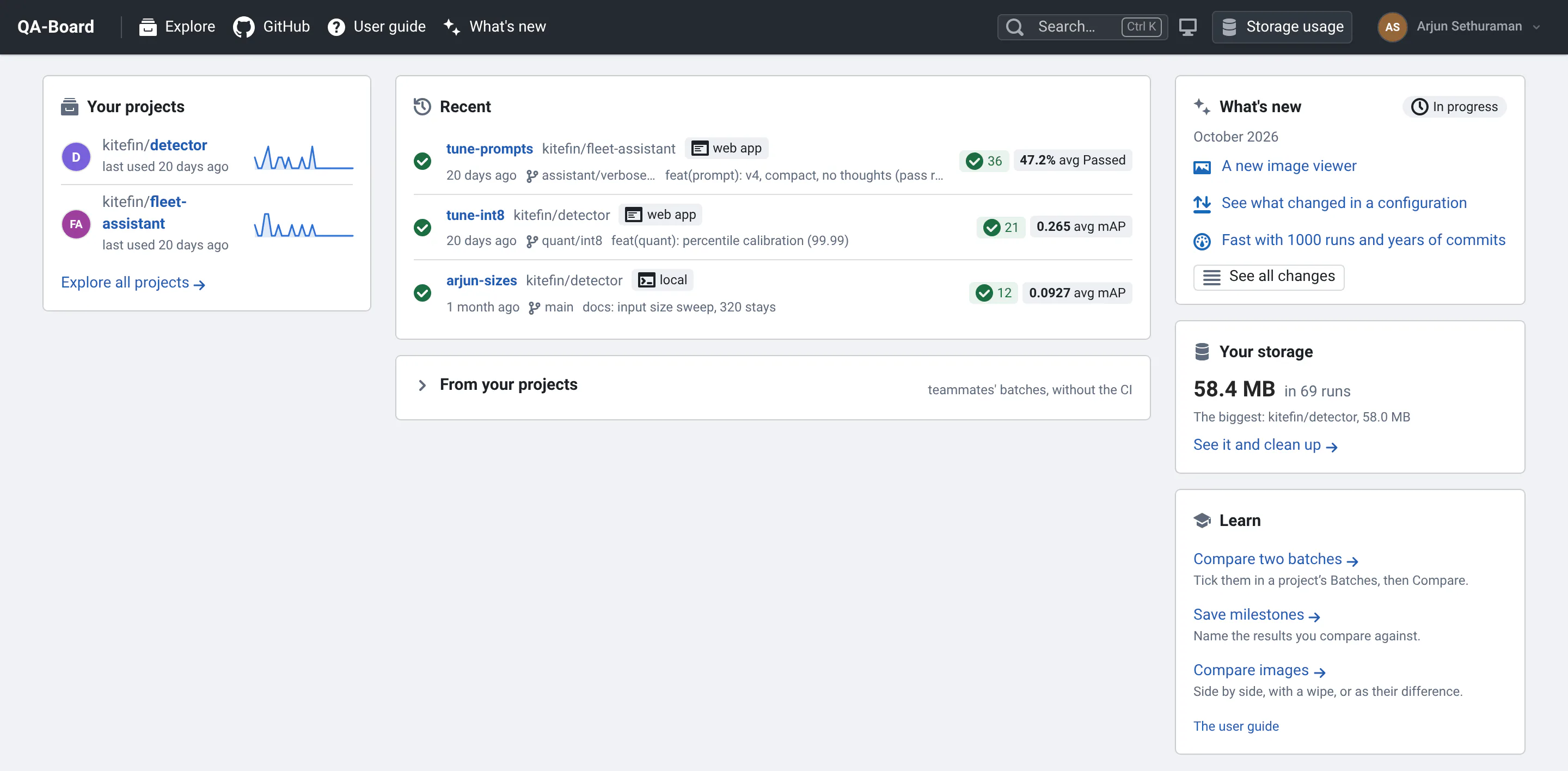
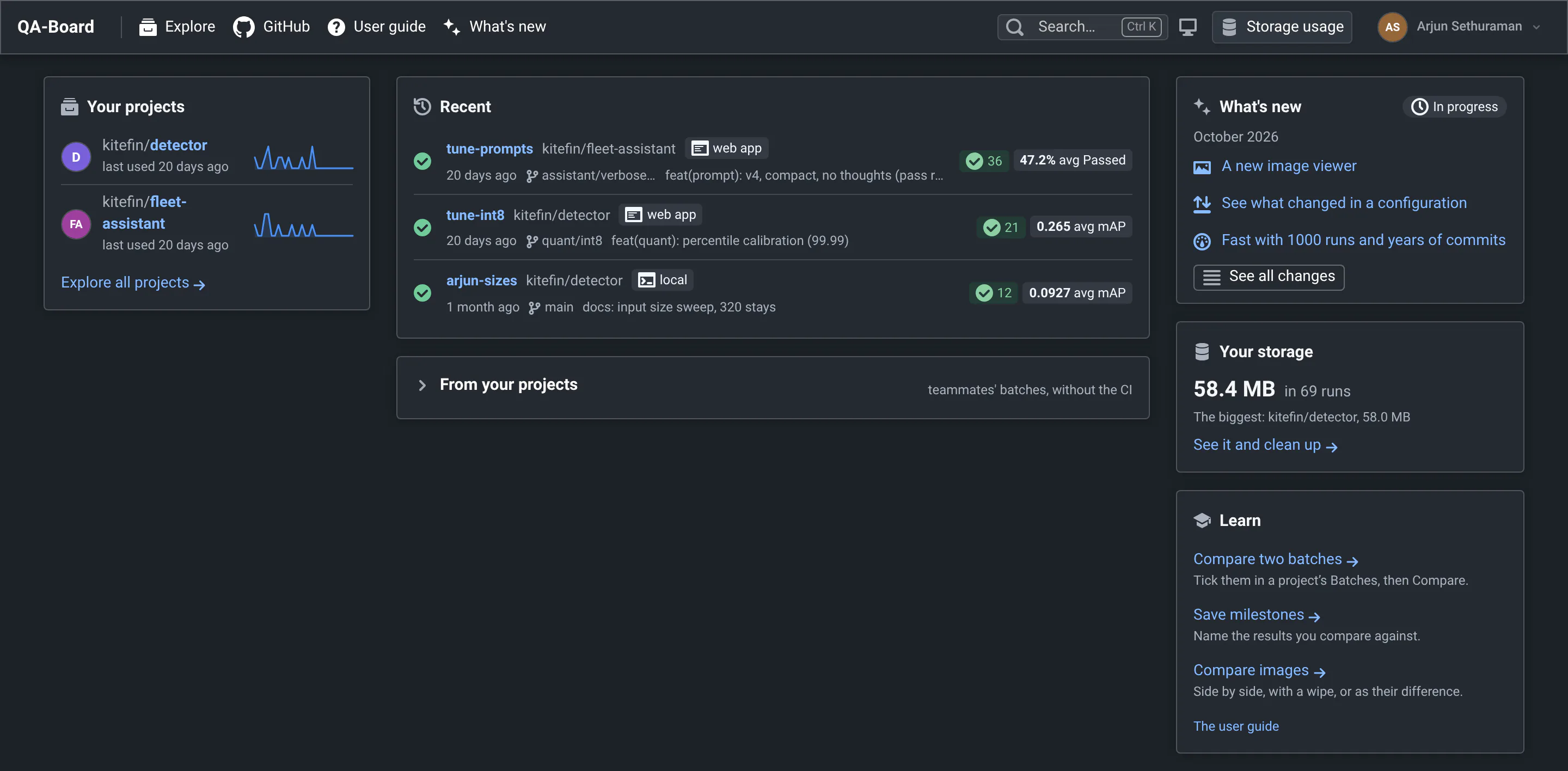
Signed in, the home page is about you. Signed out, it's Explore.
- Your projects (left): where you ran batches, committed or looked in the last 90 days, and those you pinned, the most recent first. Explore all projects lists every project.
- Running now: your batches whose runs wait or run, with their progress and their Logs. It refreshes by itself.
- Needs attention: your batches with failed runs in the last 7 days. Dismiss one with its ×: it comes back if more runs fail.
- Recent: your batches that ended, with the project's main metric.
- From your projects: open it to see what your teammates ran there from the web app or their terminal (not the CI).
On the right, what's new in QA-Board, how much storage your runs take, and guides for what you haven't tried yet.
Nothing of yours shows up
Your batches show up once you run some: from the web app (Run Tests / Tuning), or with qa batch after signing in
with qa auth login, so that your runs count as yours. Runs sent without a token count too, by the user name qa
gives ($USER or QA_USER). See what counts as yours.
Search from anywhere
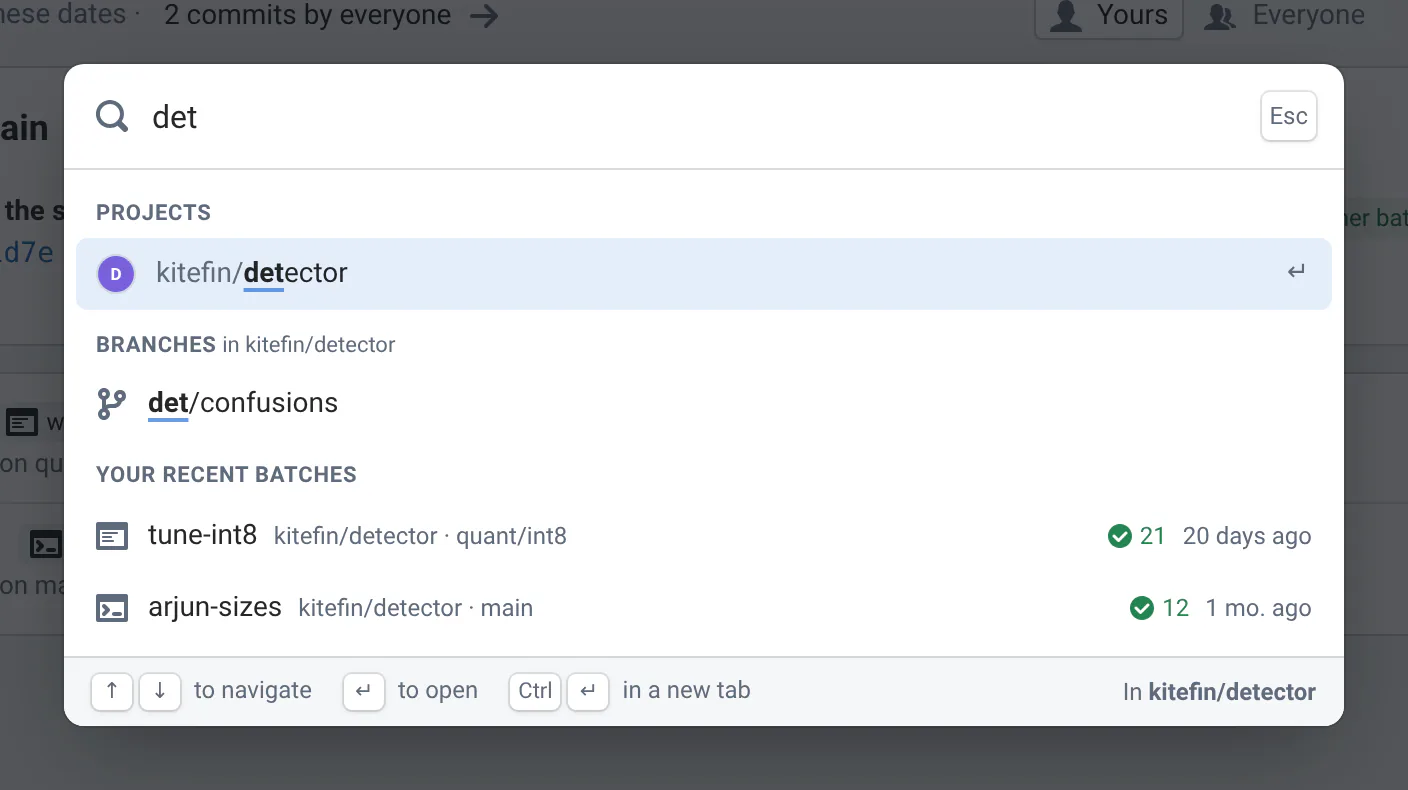
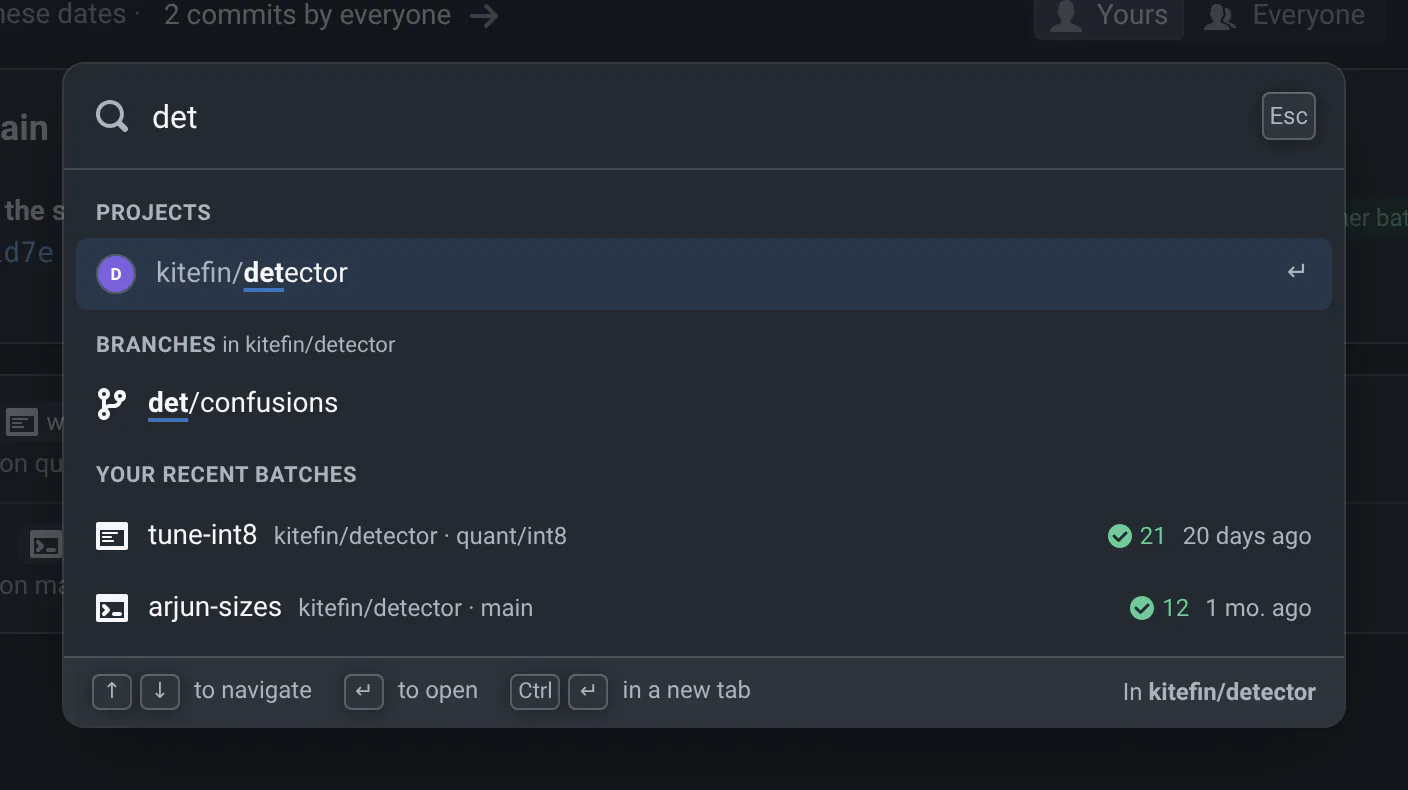
Press Ctrl K (⌘ K on macOS) on any page, or / when you're not typing in a text box, then type a few letters of where you want to go. Search… in the top bar and in a project's sidebar opens it too.
- Projects: by their path,
k3denfindskitefin/k3/denoise. Without typing anything, you see those you pinned and used lately. - Your recent batches: by their name or project, with their status.
- Branches: on a project's pages, the branches of that project whose name contains what you type.
- Commits: on a project's pages, type the start of a commit's hash (4 characters or more) to go to it.
- Pages and actions: Home, Explore, Runs activity, Storage usage, each tab of your Settings, What's new, the user guide, switching between the light and dark themes, signing in or out.
Use ↑ ↓ to pick a result and Enter to open it, or Ctrl Enter to open it in a new tab. Esc closes the search.
Pick a project
Explore (at /projects, and the home page when you're signed out) lists every project with results, grouped by
their path: those you pinned first, then the ones people used most recently.
- Find one with the Filter projects... box. It looks at all projects, quiet ones included, and lists the matches with their full path.
- Open a group with its N projects button, or a project's subprojects with N subprojects. Explore remembers what you opened.
- Pin one on top of the list with its star. Pinned projects never fade.
- Source opens the project's git repository.
Click a project to open its commit list.
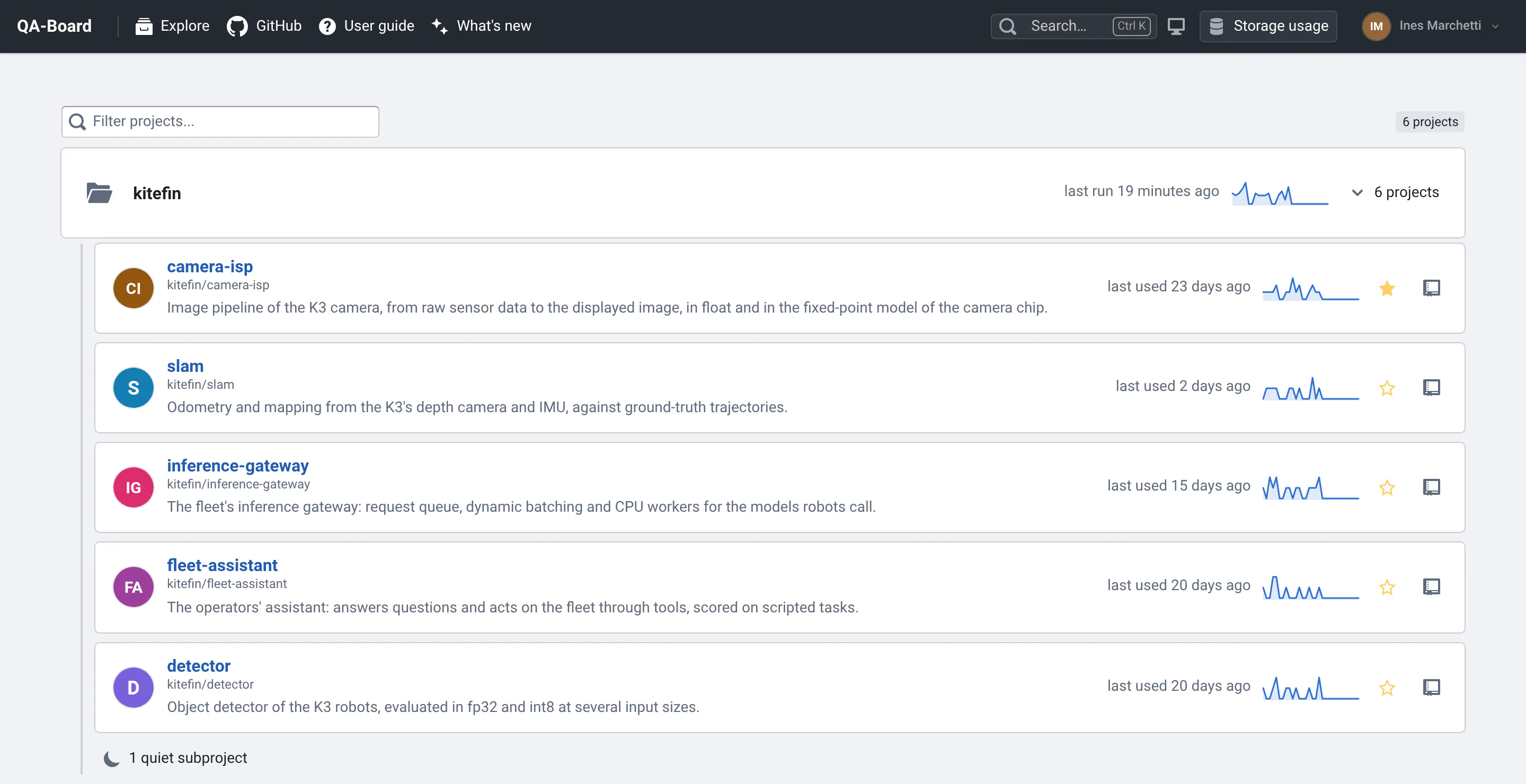
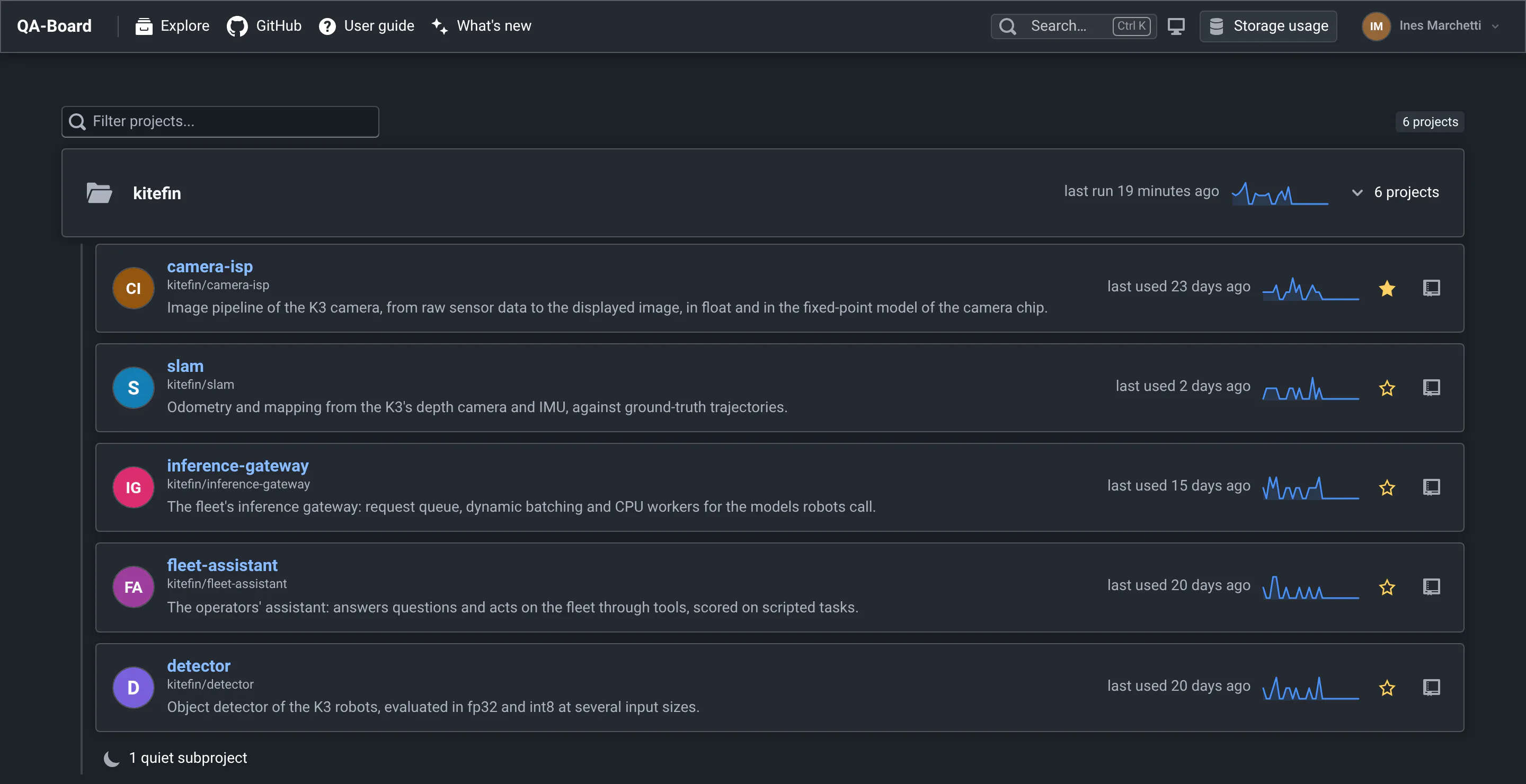
Groups, subprojects and quiet projects
Project names are git paths, like group/repo. In a monorepo, each subproject has its own entry, like
group/repo/sub-project: Explore puts it under group/repo, and projects that share a prefix without a project of
their own, like group/a and group/b, under a group folder. If you can't find your results, check you're in the
right subproject.
Projects that only the CI ran in the last 90 days are quiet: nobody started batches from the web app or a terminal. They fade under N quiet projects (or N quiet subprojects in their group). Click to show them, or pin one to keep it in view.
What counts as used
- A batch started from the web app or from someone's terminal (
qa run,qa batch). The CI's runs don't count. - A signed-in user opening one of the project's pages.
The sparkline on each card counts the batches that got runs on each of the last 30 days, the CI's included. A project's card counts its subprojects too.
On a project's page, a Subprojects card above the commits links to its subprojects, and the name at the top of the
sidebar links to the parent projects (group / repo /).
Read the commit list
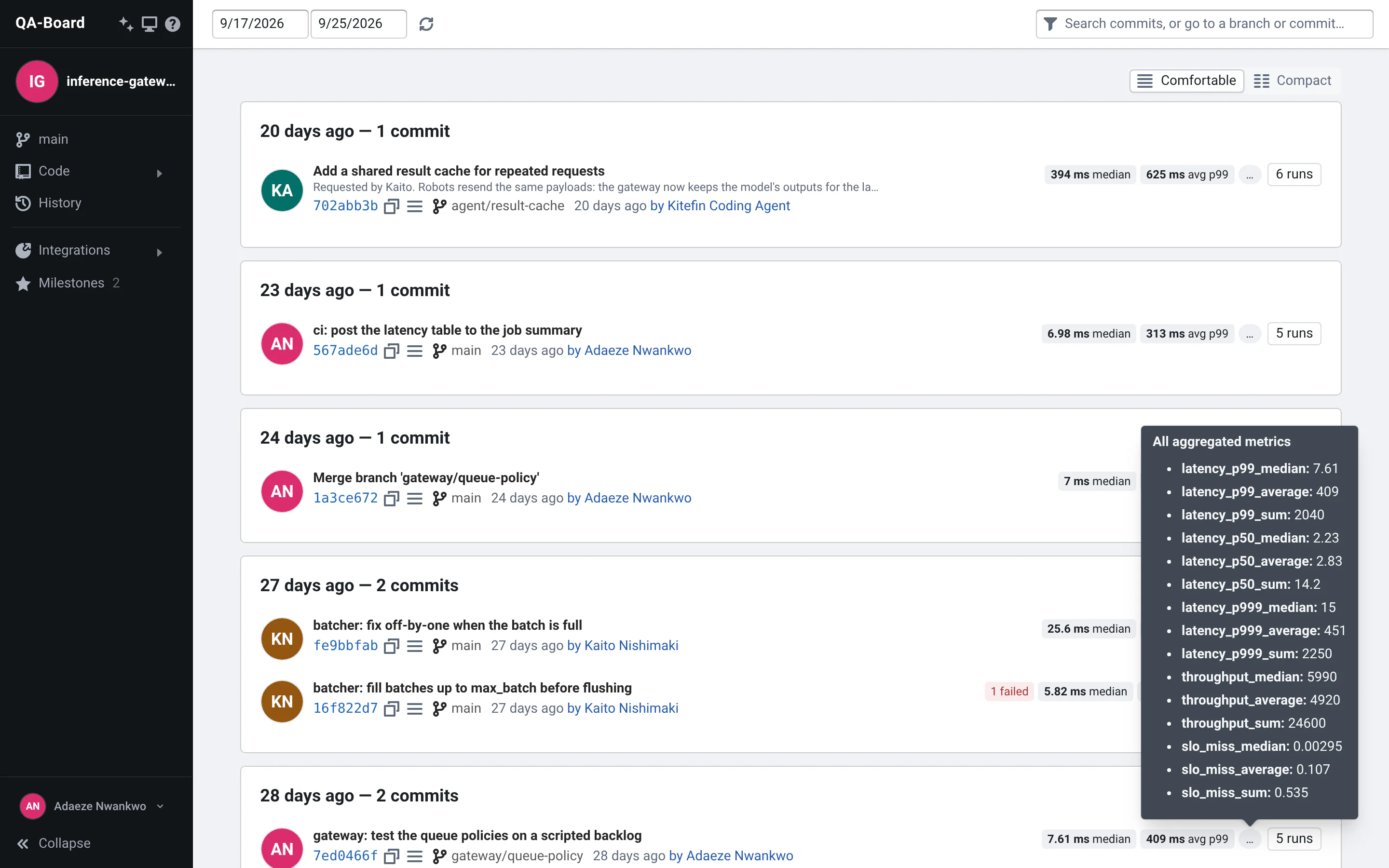
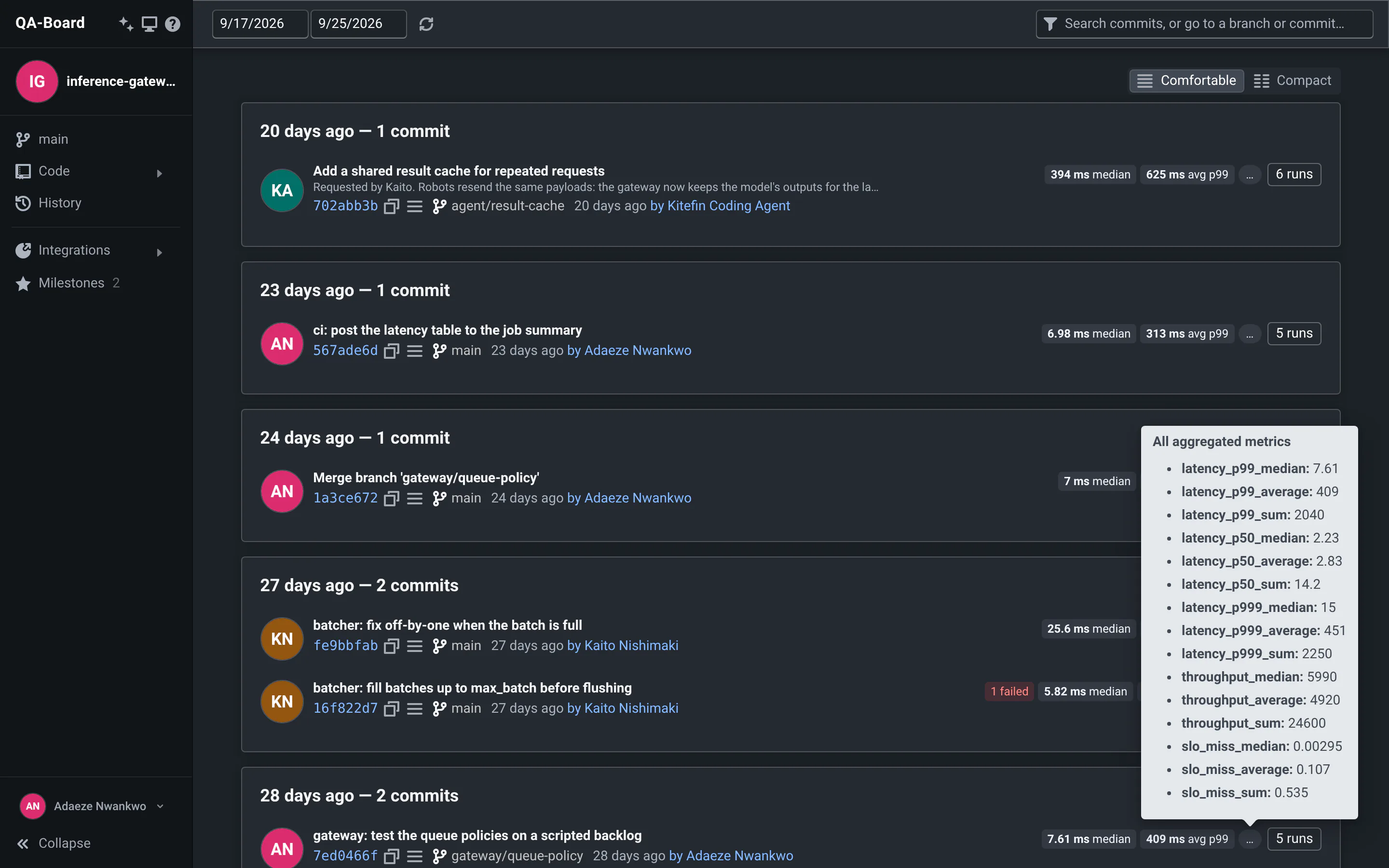
Each row is a commit: its message, short hash, branch, and when and by whom it was committed. On the right, how its CI batch went:
- the project's main metric over the batch's runs, median and average. Hover
…for all the aggregated metrics; - N failed in red, or N running and N pending while the CI batch runs;
- N other batches: hover it to list the commit's tuning experiments and local runs, and open one;
- N runs, which opens the commit page.
Waiting for results means the CI may still be running. No results means no run was uploaded for the commit's CI batch: check its CI pipeline, or open one of its other batches.
The list refreshes every minute. The 50 latest commits show up first, more come as you scroll down (or click More commits). To see more commits at once, pick Compact above the list: one line per commit (see below).
Everything you can click in a commit row
| Where | What | Click it to... |
|---|---|---|
| Avatar | The committer | see all their commits |
| Short hash | The commit | open the commit's diff on your git server |
| Copy icon, next to the hash | copy the full hash | |
| Star icon | The commit has milestones: hover it for their names | |
| Menu icon (☰) | copy the commit's directory (Windows or Linux path), view its files in the browser, delete its runs | |
| Branch name | The commit's branch | see the branch's commits |
| "2 hours ago by ..." | Commit date and committer | see the committer's commits |
| N failed | Runs of the CI batch that failed | open the commit page |
| N other batches | The commit's other batches (tuning, local runs...) | hover it, then pick one to open it |
| N runs | The CI batch's finished runs | open the commit page |
The compact list: one line per commit
To see more commits at once, pick Compact above the list (Comfortable brings back the rows above). Each commit then takes one line, in columns that line up like a table: an icon for the CI batch's status (finished, failed, running, waiting), the short hash, the message, the branch, the committer, the date, then the batch's results and the ☰ menu. The web app remembers your choice: signed in, on every computer. Settings → Preferences sets it too.
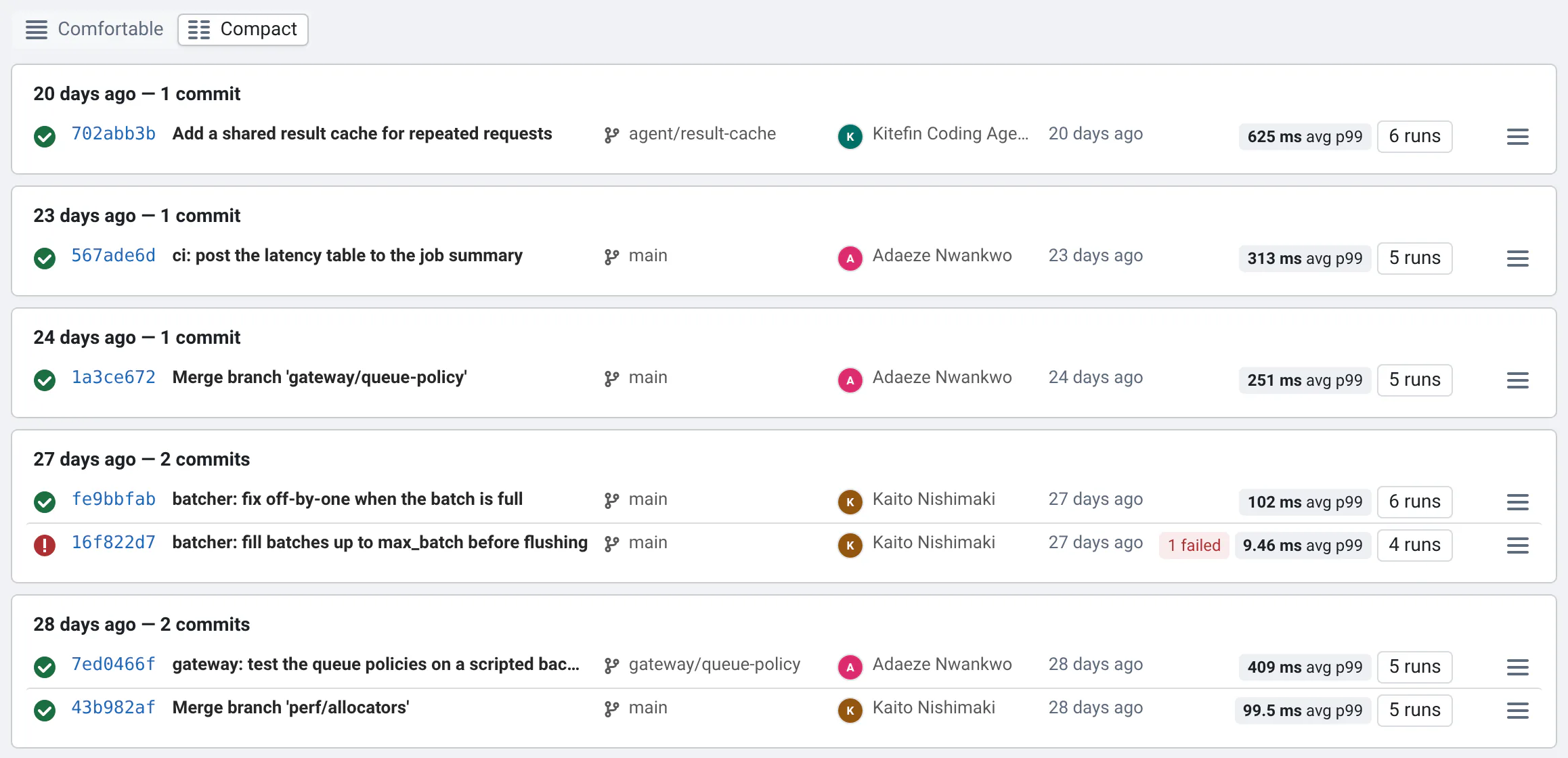
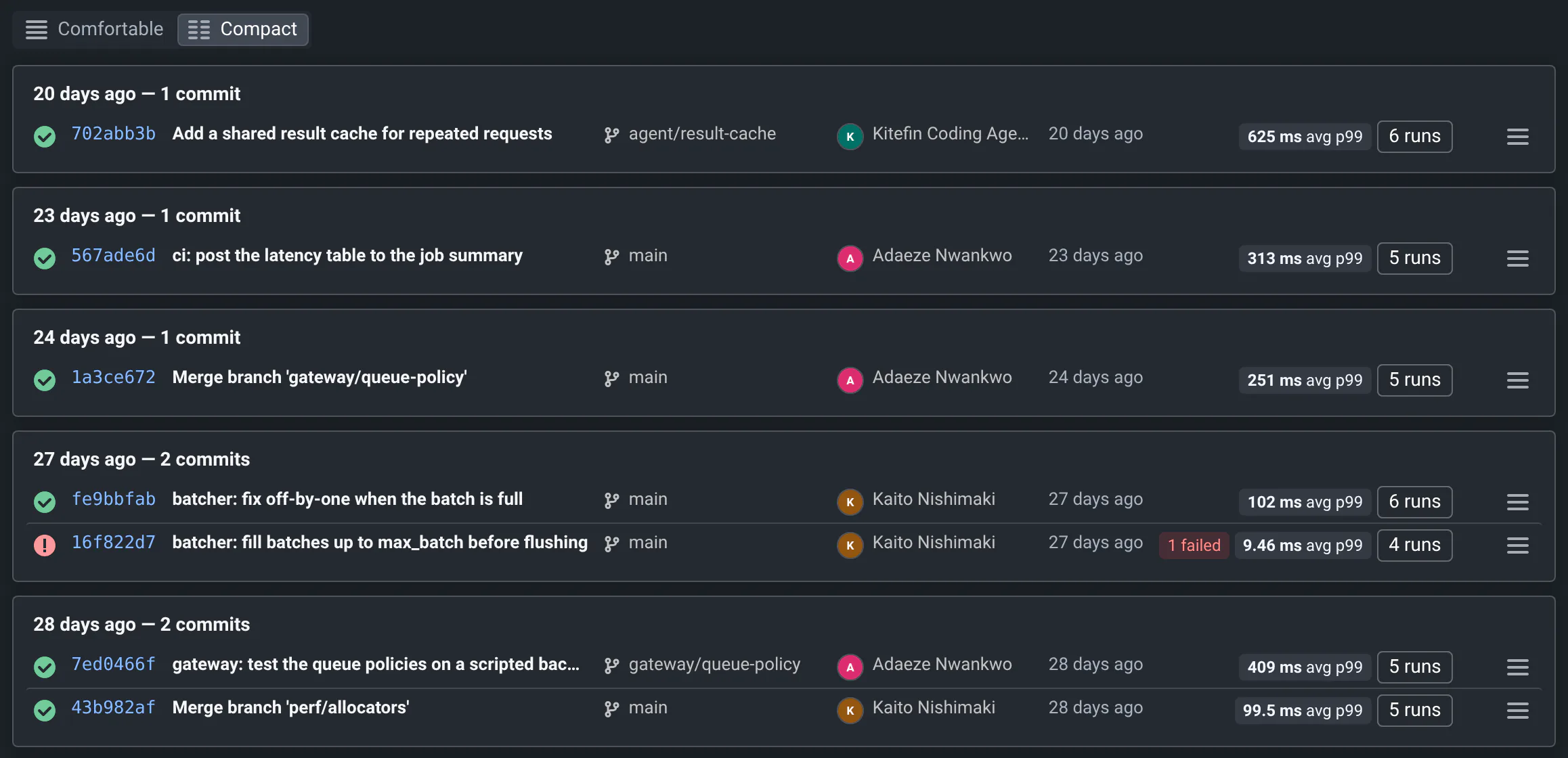
Hover to see what doesn't fit:
- the message shows the whole commit message, the date the exact time;
- the status icon counts the finished, failed and running runs;
- the main metric's average shows its median and all the aggregated metrics;
- +N batches lists the commit's other batches, like N other batches above.
The copy icon for the full hash shows up when you hover a row, or reach it with the keyboard.
Change the dates
By default, the list shows the last 3 days. Pick other dates at the top left (the picker has shortcuts like "Past week"), and click the refresh button next to them to check for new commits.
- At the end of the list, Older commits looks 7 more days back.
- When no commit has results in the range, Search 7 more days does the same.
- Searches ignore the dates: they look at all the commits.
Follow a branch or a committer
- A branch: click its name in a commit row, or the reference branch at the top of the sidebar. The page is
/<project>/commits/<branch>. - A committer: click an avatar or a committer's name to see their commits on all branches:
/<project>/committer/<name>.
A branch's page starts with a chart of the main metric over its commits: for each commit, the median (or average) over its runs, one line per batch (CI, nightly...). Pick the metric and the aggregation above the chart: sum adds up counts over the runs, like the number of tests of all the test suites. Hover a point to see its commit and the commit before it, click a point to keep it as the reference. To follow each test on its own, use History.
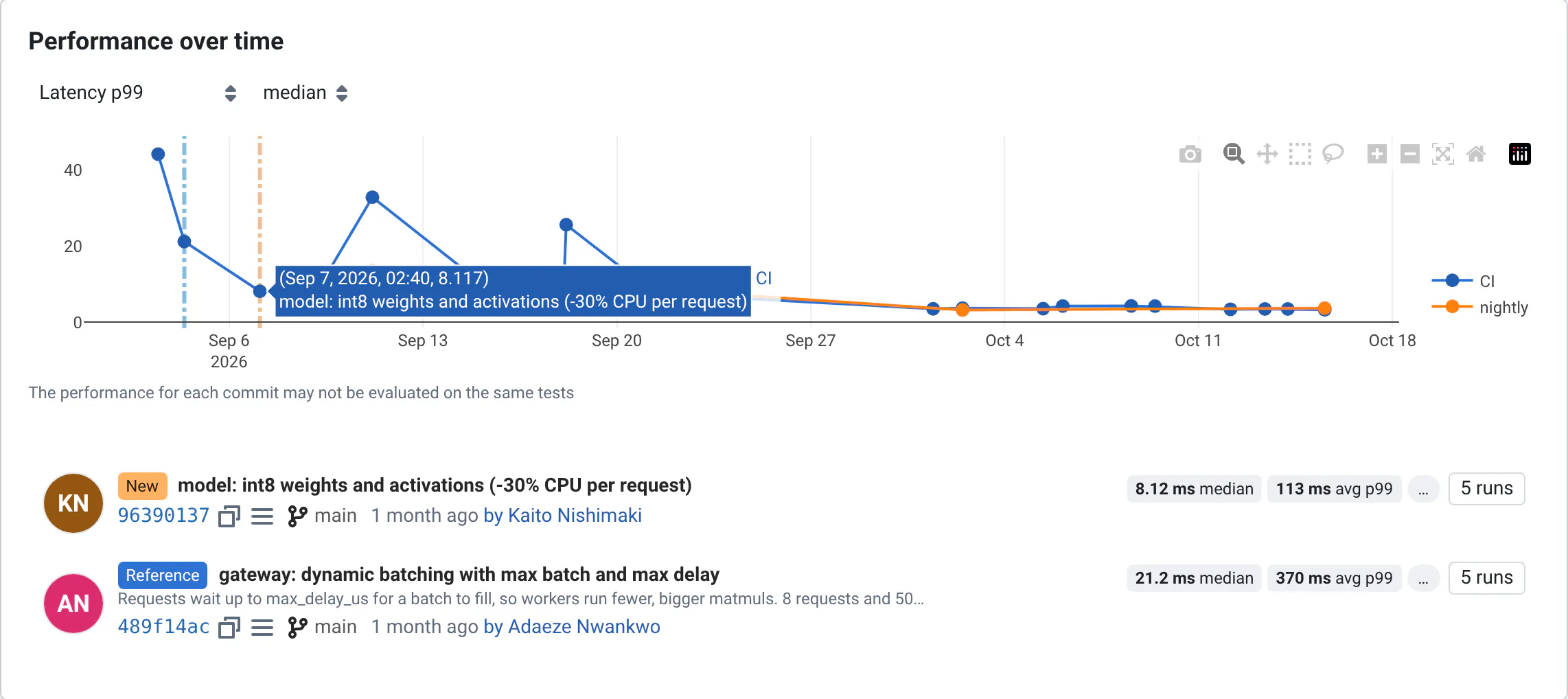
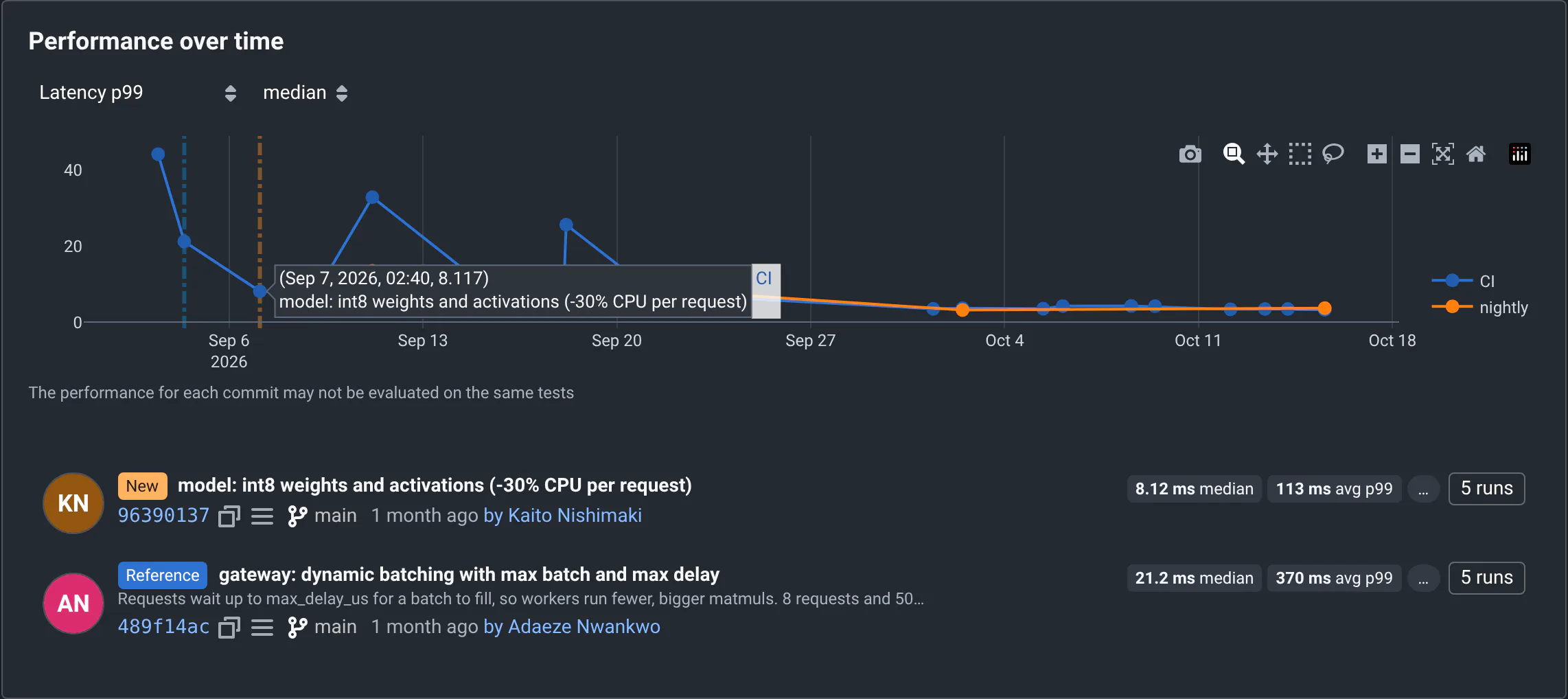
On a branch page, all the branch's commits in the date range come at once (up to 1000), for the chart.
Search commits
The search box at the top right of the commit list (Search commits, or go to a branch or commit…) searches all the project's commits, not only those in the date range. On a branch page, it searches the branch's commits. Results come as you pause typing, newest first, under a "Searching all commits" banner that counts the matches.
| You type | You find commits... |
|---|---|
cache | whose message, committer, branch or batch labels contain "cache" |
3fa2c1 | the same, or whose hash starts with it |
cache -agent | that contain "cache" but not "agent" |
branch:perf, committer:kaito | whose branch contains "perf", by a committer whose name contains "kaito" |
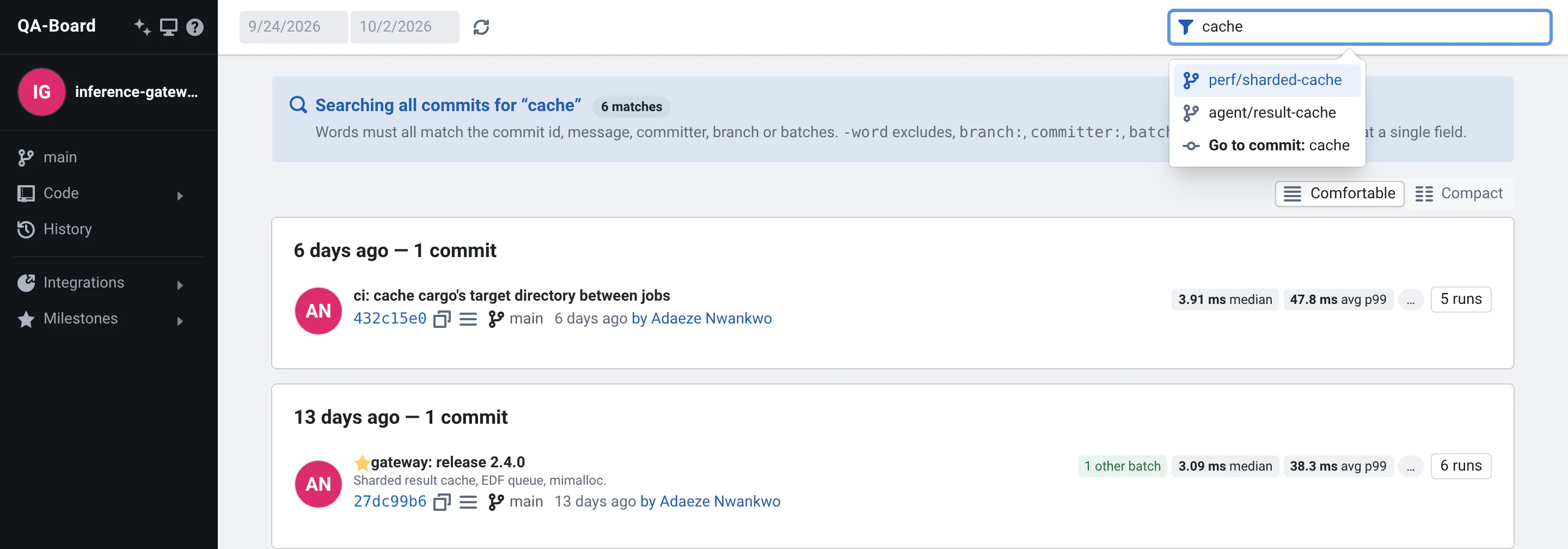
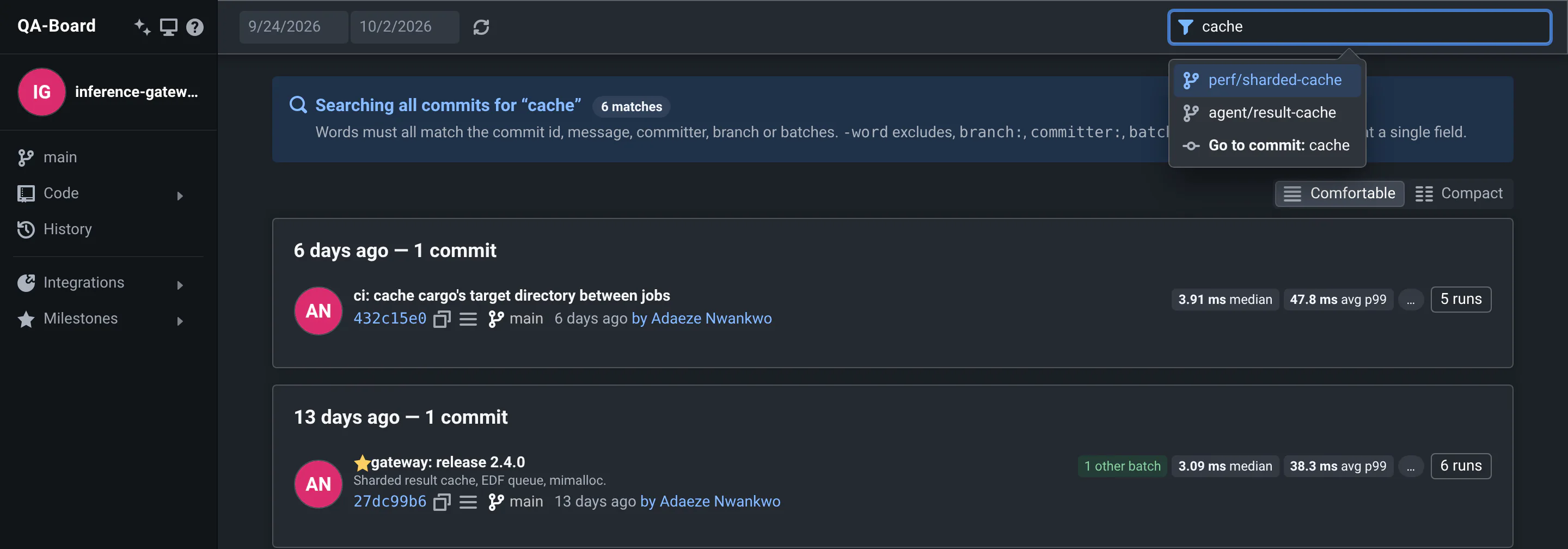
When your search could be a branch name (a single word, or a branch: term), the box also suggests the most recently
active branches whose name contains it: pick one to open it.
More search syntax
| You type | You find commits... |
|---|---|
cache shard | matching both words |
"result cache" | containing these words together |
author:kaito | like committer:kaito |
batch:tune or label:tune | with a batch whose label contains "tune" |
message:p99 or msg:p99 | whose message contains "p99" |
origin:webapp, origin:local or origin:ci | with a batch started from the web app, from someone's terminal, or by a CI pipeline |
user:kaito | with a batch started by a user whose name contains "kaito" |
id:3fa2, commit:3fa2 or sha:3fa2 | whose hash starts with "3fa2" |
A word matches the start of hashes when it has 4 or more hexadecimal characters. Searches are case-insensitive, and
qualifiers can be excluded too (-branch:release). Unlike the filters of the commit page, they
don't use regular expressions. The search is saved in the page's link, so a shared link shows the same results.
Go to a commit by its hash
- Type or paste a commit hash in the search box, then choose Go to commit: ....
- Or edit the page's link:
/<project>/commit/<hash>. Short hashes work. - On a commit page, you can also type a hash in the commit field of the new or reference bar (see choose another reference).
Open a milestone
Releases and other results saved to compare with are in the sidebar's Milestones menu: see Finding milestones.
Pick a batch
A commit can have several batches of runs: the CI's, your local runs, tuning experiments. On the commit page, the batch selector next to the filter box shows the selected batch: click it to pick another one.
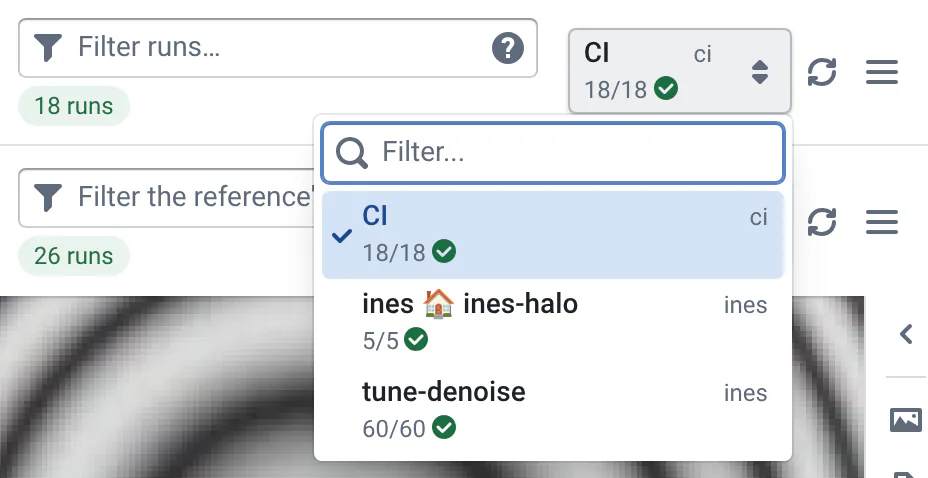
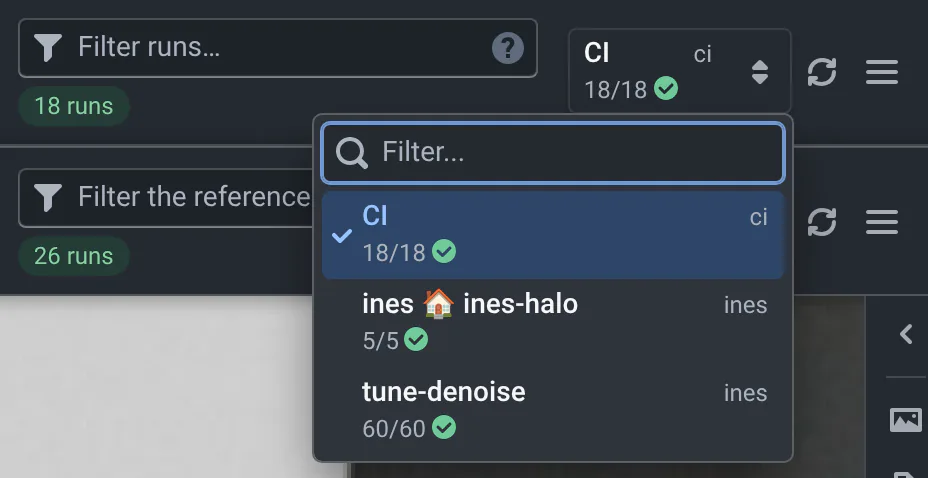
- CI is the batch from your continuous integration (label
default). - user 🏠 label are local runs started by user from their workspace. A warning reminds you they may not use the code under version control.
- Other labels are tuning experiments, or runs started with
qa --label.
The new and reference bars each have their own batch selector, so you can compare a tuning batch with the CI batch of another commit.
Reading and searching the batch selector
- Each entry shows how many of its runs finished out of the total (
18/18and a check mark), then those that failed (red cross) and are running (walking figure), the iteration of an automated tuning, a star for milestones, and who started it. - The list is searchable: type a label, a user name, or words like
failed,running,local,ci,tuning. - The list opens on the selected batch, which has a check mark. Use ↑ ↓ and Enter to pick another one.
Filter the runs
The filter boxes of the commit page's bars (Filter runs… for the new commit, Filter the reference's runs… for
the reference) keep only the runs that match. The counters under them (8 runs, 4 failed...) count what's left,
and the ? icon in the box recalls the syntax.
| You type | You keep runs... |
|---|---|
low-light | whose input path, configuration, platform, metadata, tuning parameters or batch contain "low-light" |
low-light facade | matching both words |
-gradient | not matching "gradient" |
facade|foliage | matching either word |
denoise_strength:1.6 | with the tuning parameter denoise_strength equal to 1.6 (also denoise_strength=1.6) |
status:failed | that failed. -status:failed keeps the others. (fail or crash work too, but also match inputs named like that) |
pending or running | that are not finished |
status:success | that succeeded (not failed, pending or running). -status:success keeps the others |
id:1234 | with this run id (not 12345) |
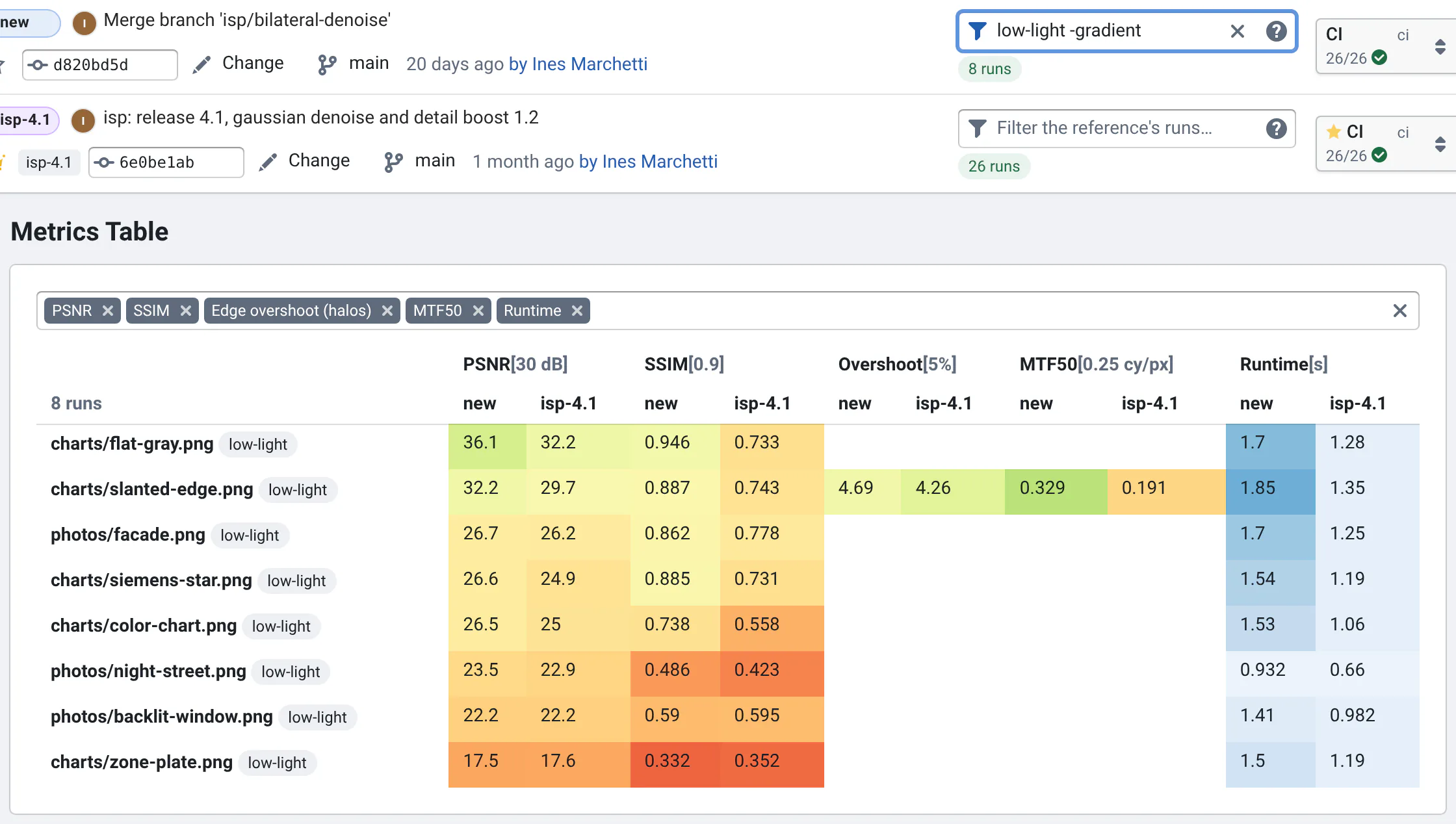
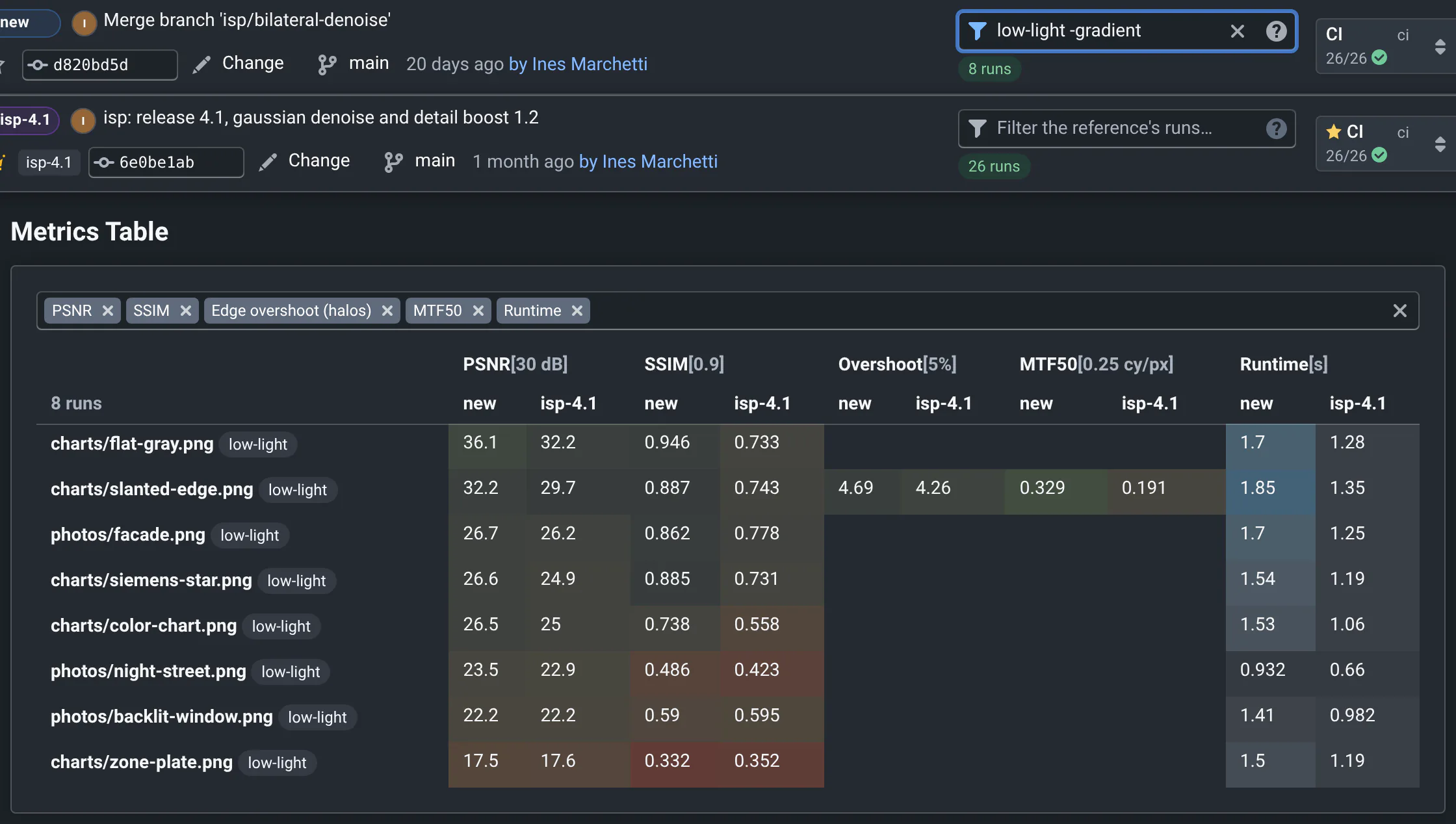
Filters are case-insensitive and are saved in the page's link, so a shared link shows the same runs. History has the same filter box.
Each word of the filter is a regular expression: photos/(facade|foliage) keeps the runs of those two photos.
Where to go next
- The commit pageThe two bars, the views, the view options and the run cards.
- Reading metricsWas the commit better? The Summary, the tables and their colors.
- New and referenceChoose what you compare with, and how runs are matched.