Who can access a project
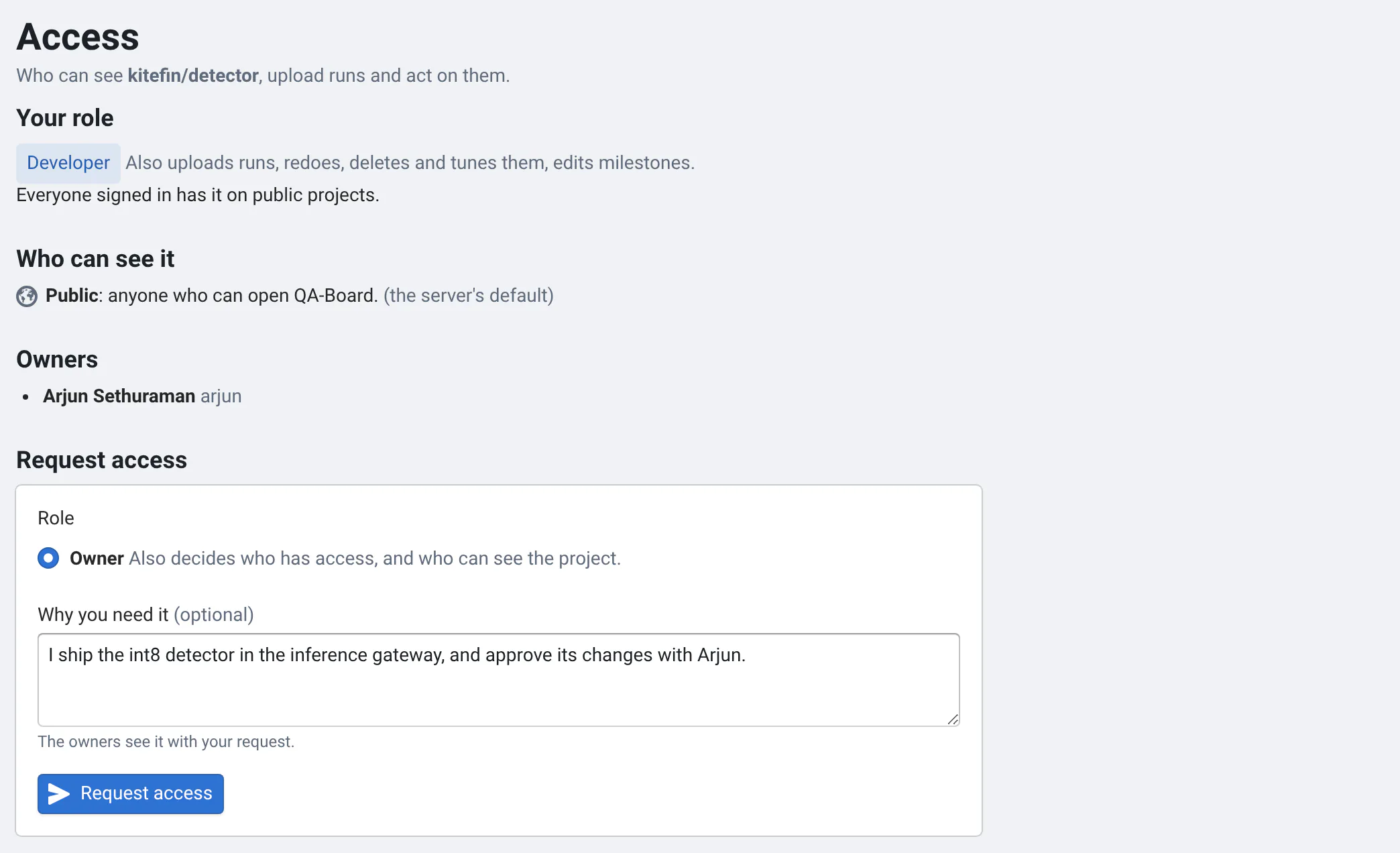
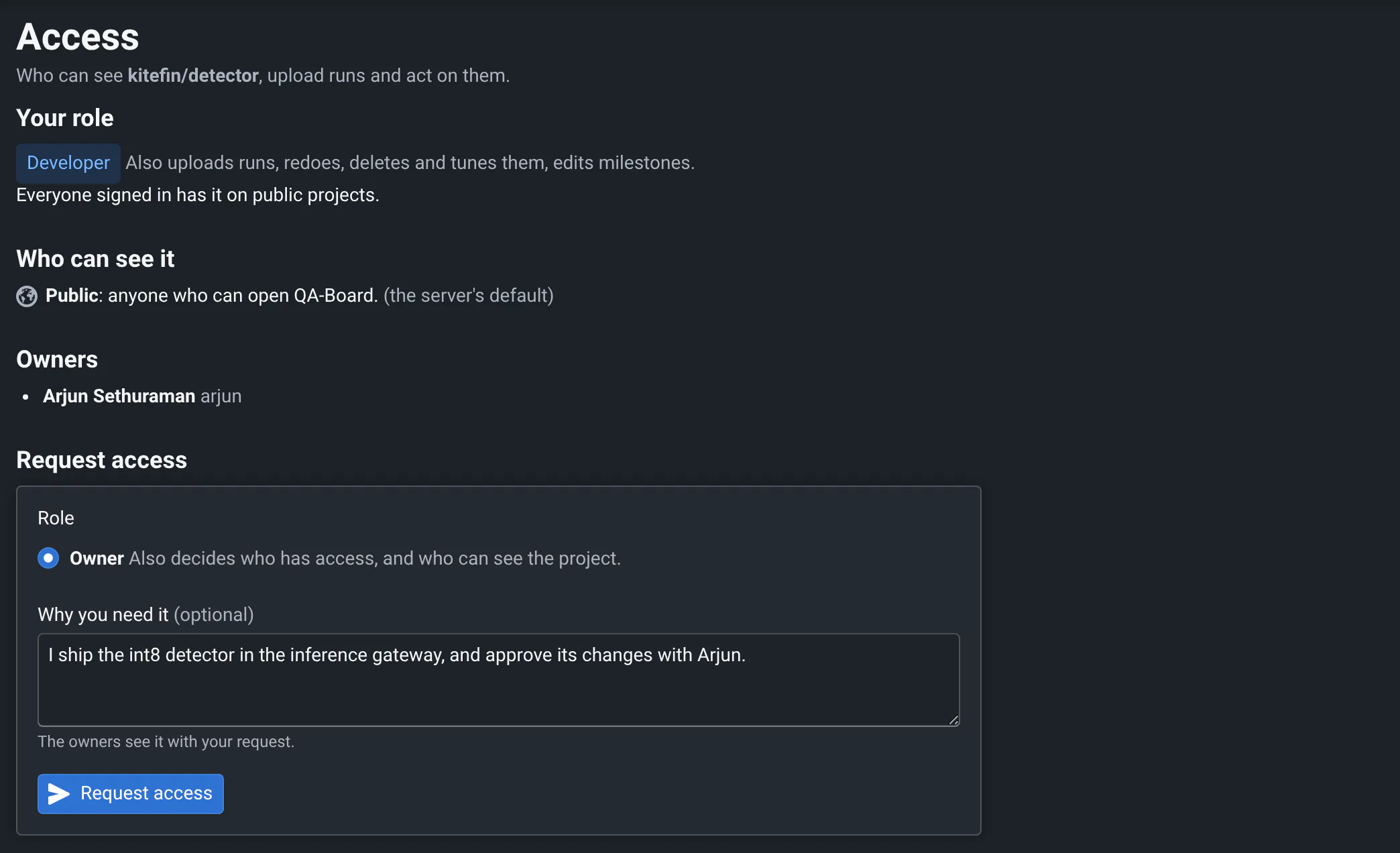
Open a project's Access tab, in its sidebar, to see your role and who owns the project.
Roles
- Viewers see the project, its runs, metrics and files.
- Developers also send results with
qa runandqa batch, redo, stop, rename or delete runs, start tuning, export, and save milestones. - Owners also choose who can see the project, add members, and decide access requests.
Your server may make everyone signed in a developer of public and internal projects: the Access tab says how you got your role.
Ask for access
If you can't see a project, or can't act on its runs, QA-Board says so with the project's owners. Click Request
access (or open the Access tab), choose the role you need and say why, e.g. your team. The owners get an email,
and you get one when they decide. From qa, the error says whom to ask.
Manage a project, as an owner
In the Access tab:
- Visibility: Public (anyone who can open QA-Board), Internal (anyone signed in), Private (only members). Projects inherit their group's visibility: a project can be more private than its group, not more public.
- Members: add users or groups as viewers, developers or owners, optionally until a date. Members of a group's
projects (e.g.
group) are members of every project under it; they're shown as inherited, and changed there. - Requests: approve, with the role you choose, or deny.
- Service accounts: bots for your CI and scripts (see below).
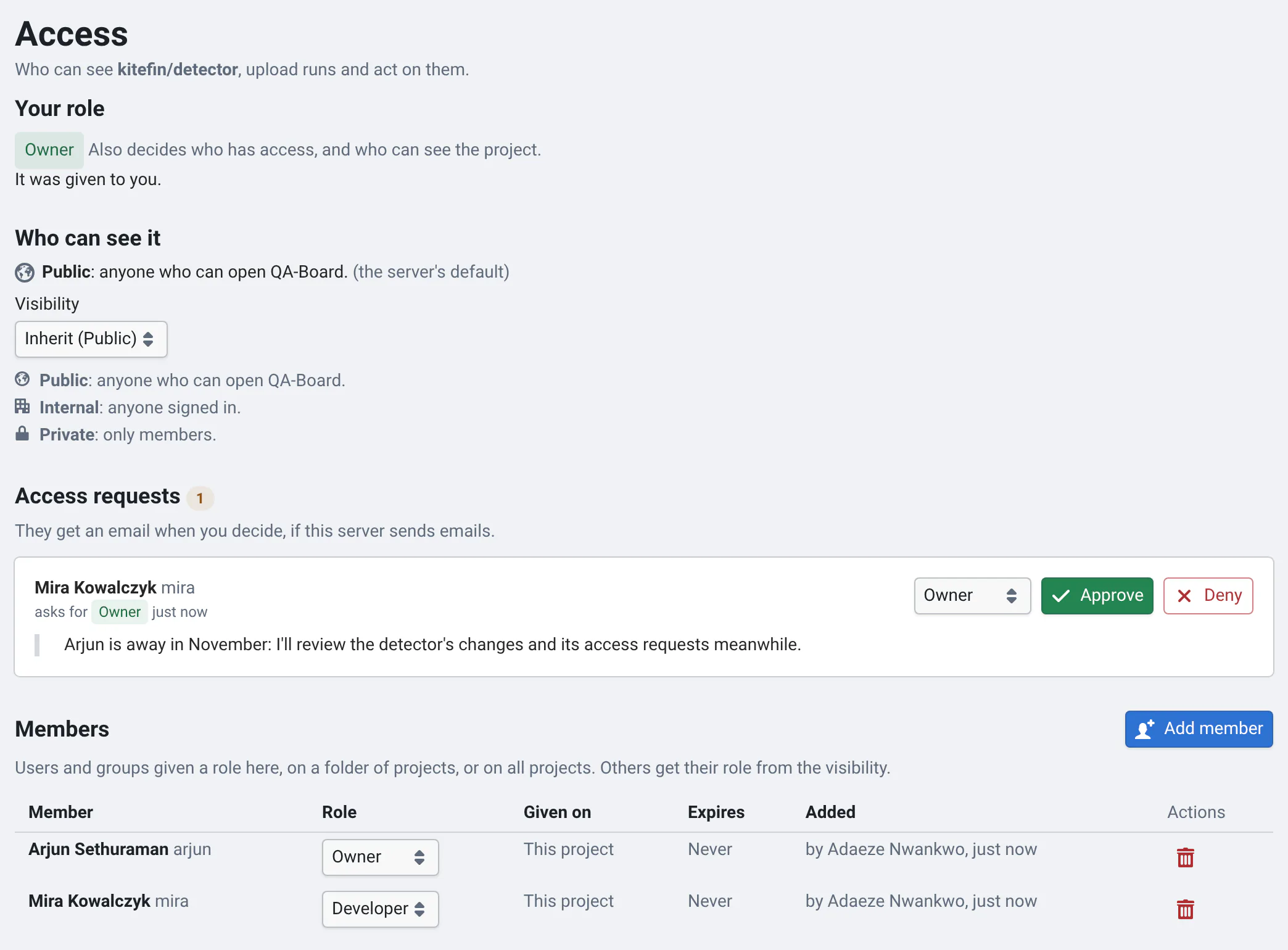
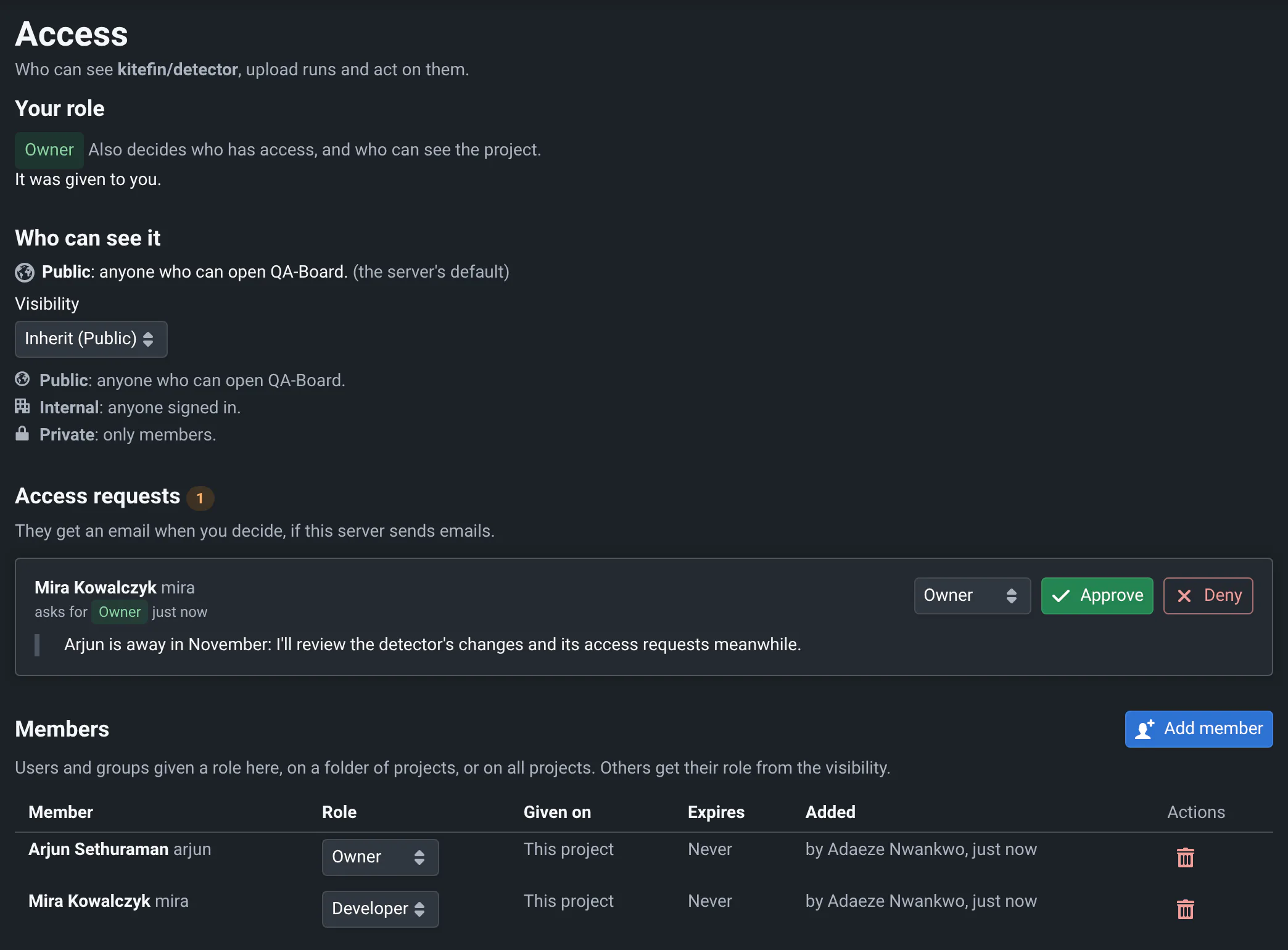
A project always keeps an owner: add another one before you leave.
Service accounts
Give your CI a token that isn't one of yours: it keeps working when people leave, and runs say the CI sent them. In the Access tab, as an owner:
- Click New service account, name it (e.g.
ci) and choose its role: usually Developer, to send results. - Click New token, choose its scopes (
readandingestto send results) and its expiry, and copy it: it's shown once. Save it in your CI's secrets asQABOARD_TOKEN(see CI integration).
Runs it sends show group/repo/ci[bot]. Its tokens only work on the project and the projects under it, whatever
roles it's given elsewhere. Change its role in the list, revoke its tokens from Tokens, or delete it: its tokens
stop working at once.
Service accounts for the whole server
Admins create service accounts that aren't tied to a project, in Admin → Service accounts, e.g. for a nightly job
that runs on many projects. Add them to your project like any member: they show with a [bot] suffix in the
member picker.
What private projects hide
Their commits, runs, metrics and milestones, from the web app, the API and qa, and their outputs and artifacts
folders under /s/ when your server checks who reads files. Tokens limited to other projects can't read them
either. Results sent without a token may still be accepted, unless your server requires tokens.