Storage usage
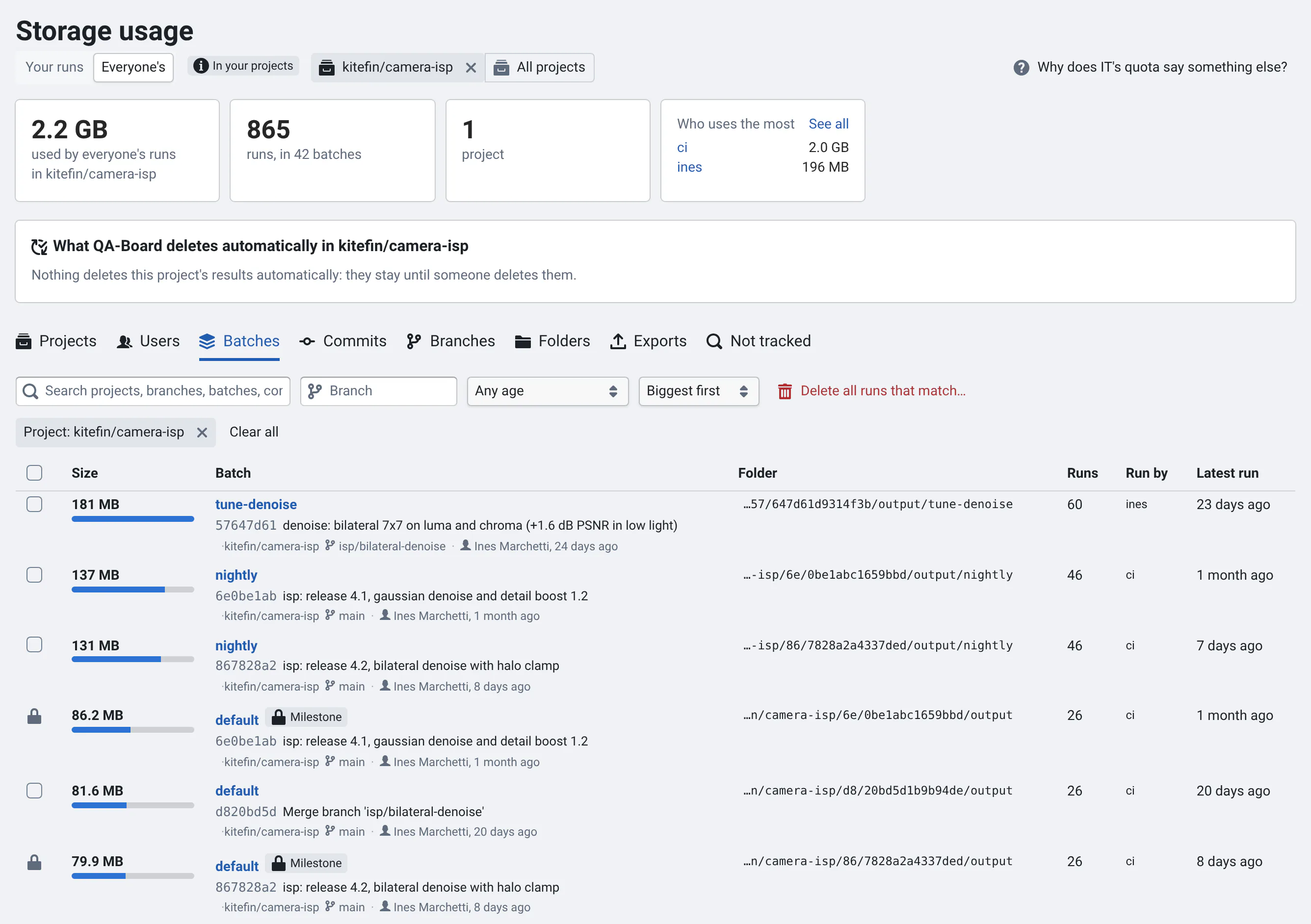
Short on quota? Storage usage shows how much storage your runs take, project by project, down to each batch, commit, branch and folder, and deletes the files of many runs at once. Open it from your account menu (Storage usage, next to Settings), from a project's sidebar, or with Storage usage at the top right of your home page.
Find what takes space
- Projects: your usage in each project. Click one to see its batches.
- Batches, Commits, Branches: the biggest first. Filter by project, branch, or age (No runs for 3 months), search, and sort by size, age or number of runs.
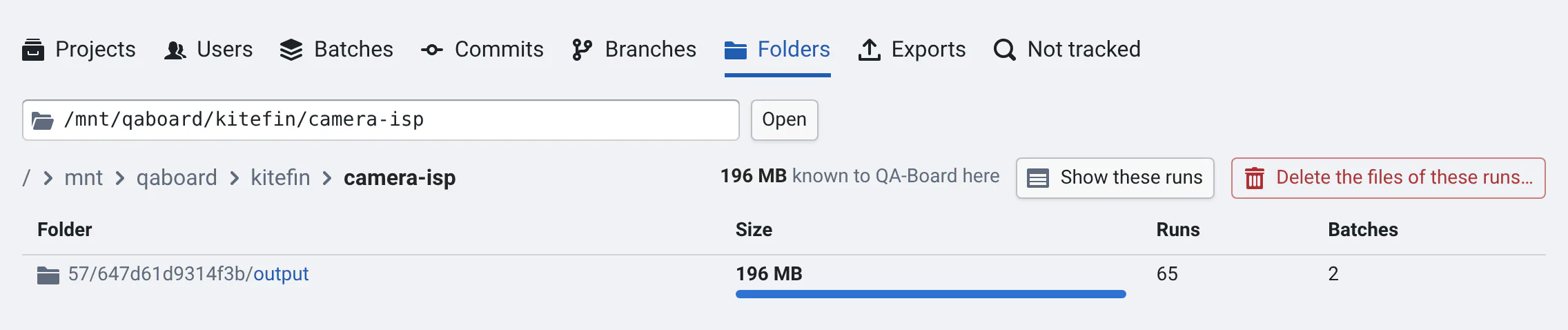
- Folders: the folders your runs are in, like on disk. Paste a folder in its box, e.g. the one from a quota alert, to see what QA-Board knows there, and open its subfolders. Your biggest folders are suggested.
- Users: who uses the most, with their share and biggest project, for everyone's runs or a project's. Click someone to see their runs: admins can then delete them.
- Your runs or Everyone's: switch between your runs and everyone's. You see other people's usage in the projects where you're a developer or an owner; admins see everyone's.
- Opened from a project, the page shows only that project: All projects, at the top, shows them all again.
In Folders, folders that only lead to one subfolder are skipped: the page starts where your runs split, and a row
like a/b/c opens c directly. Click / in the path to start from the root.
Each batch and commit shows its commit's message (hover for all of it), author and date, and each branch its latest commit. Click a project, branch or person in a row to filter by it, and a row to select it.
Sizes are what qa measured when each run ended. They're updated every few minutes, and right away when you delete
runs from QA-Board.
What QA-Board deletes automatically
The page lists what your admins scheduled, e.g. Old results are deleted: the files of runs on commits without new runs
for 1 month are deleted, when it runs next, and what it keeps (milestones, the reference branch). Several rules are
summed up in a line: Show the rules to see them all. With a project
selected, it says what the project's qaboard.yaml sets (storage.garbage.after). The project's commit list shows it
too, at the top right: Results deleted after 1 month.
To keep a batch, make it a milestone.
Delete runs' files
- Check the batches, commits or branches you don't need. To take everything that matches the filters, check the page, then Select all … that match the filters. In Folders, Delete the files of these runs… takes what's in the folder.
- Click Delete the files…. QA-Board says how much space it frees, and what it keeps:
- Milestones: batches saved as milestones are kept, shown with a lock. Delete the milestone first if you don't need it.
- Other people's runs: you delete only the runs you ran. Ask them, or an admin.
- Running runs are kept.
- For big deletions, type the sentence QA-Board asks for, then confirm.
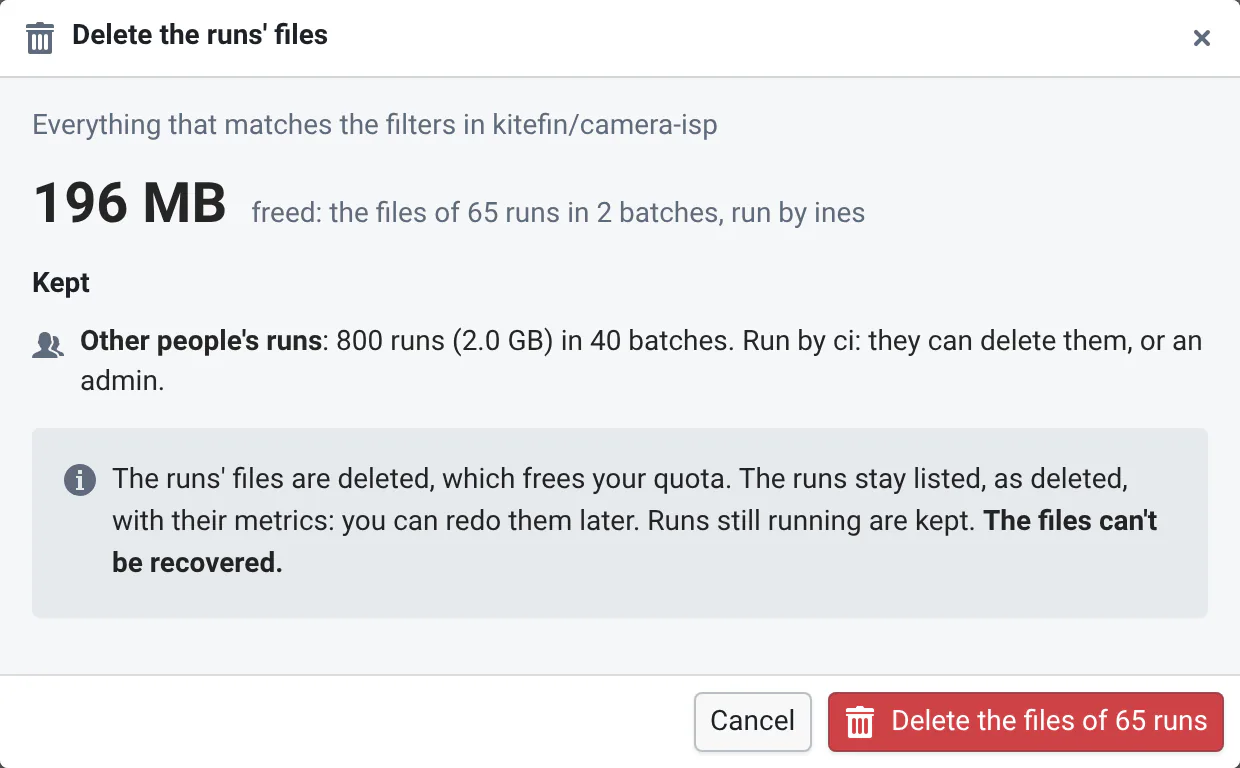
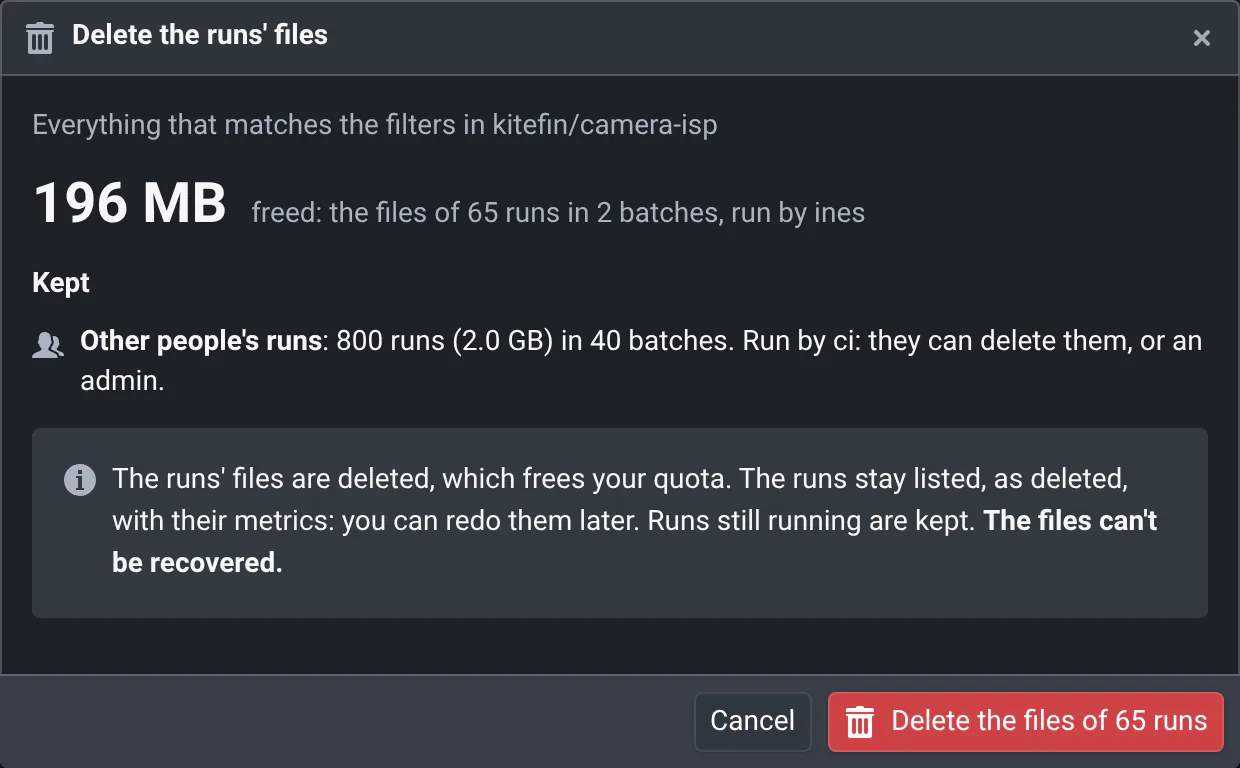
The deletion runs in the background: follow it in Your deletions, at the top of the page, with its errors, e.g. files QA-Board could not delete.
The runs' files are deleted, which frees your quota. The runs stay listed, as deleted, with their metrics: you can redo them later if the commit's artifacts are there. The files can't be recovered.
What deleted runs still take
Deleting a run deletes the files its manifest lists, and keeps the manifest. Files written after the run ended (by scripts, or by hand) stay too. The card left by N deleted runs says how much they take. Your admins remove what's left when they delete the runs for good, usually with a schedule listed in What QA-Board deletes automatically.
Exports
Export on the commit page gathers files from many runs in one folder, to share them. Exports lists yours: their folder, size, the commit and batch they come from, and when you last exported there. Check the ones you don't need and Delete…: no terminal needed. The runs aren't deleted.
By default, an export's files are hard links to the runs' files: they take no extra space, but deleting the runs doesn't free the space while the export exists, and the other way round. QA-Board tags them Links to the runs. Copies (when you pick another folder) take space of their own.
Exporting again to the same folder adds to it, and the export is measured again. If you deleted files of an export yourself, the refresh button measures it again.
Files QA-Board doesn't track
Your admins can scan the storage to find what QA-Board doesn't know: old exports, runs whose upload failed, what deleted runs left, files you copied next to your runs. Not tracked lists what the latest scan found that you own, the biggest first, with when it last changed.
Check the folders you don't need and Delete…. You can only delete folders whose files are all yours: ask the others, or an admin, for the rest. What QA-Board uses (runs, artifacts) can't be deleted from there: delete runs from the other tabs. The list is as of the scan: what changed since isn't shown.
Why does IT's quota say something else?
QA-Board counts the files of the runs it knows. Your quota counts every file you own on the storage. They differ because of:
- files QA-Board doesn't track: exports made before QA-Board tracked them, files you copied next to your runs, files written after a run ended (see Exports and Not tracked),
- folders you deleted yourself, until QA-Board cleans up their runs,
- how the storage counts: small files take more space than their size, and snapshots keep deleted files for a while,
- your other files on the same storage.
Click Why does IT's quota say something else? on the page: it gives the commands that measure a folder, its biggest subfolders, your biggest files and your exports, for the folder you paste:
du -sh /mnt/qaboard/kitefin/camera-isp
du -h --max-depth=3 /mnt/qaboard/kitefin/camera-isp 2>/dev/null | sort -rh | head -30
find /mnt/qaboard/kitefin/camera-isp -user ines -type f -size +100M -printf '%s\t%p\n' 2>/dev/null | sort -rn | head -50 | numfmt --to=si --field=1
Prefer deleting runs from QA-Board rather than their folders: QA-Board then knows the space is free.