What's new
Find out what changed in QA-Board: release notes say it in a few lines, with links to the docs, so you don't have to dig into commits.
The "What's new" dialog
Once a month (or a quarter) is over, the web app shows a What's new in QA-Board dialog once, on whichever page you open next. It shows the highlights of the periods that ended since your last visit.
- Close it with Got it (or Esc): it won't show again for those notes.
- See all changes opens the full release notes.
- Only notes from the last ~60 days pop up: if you're new, or back from a long vacation, you won't get a pile of old news.
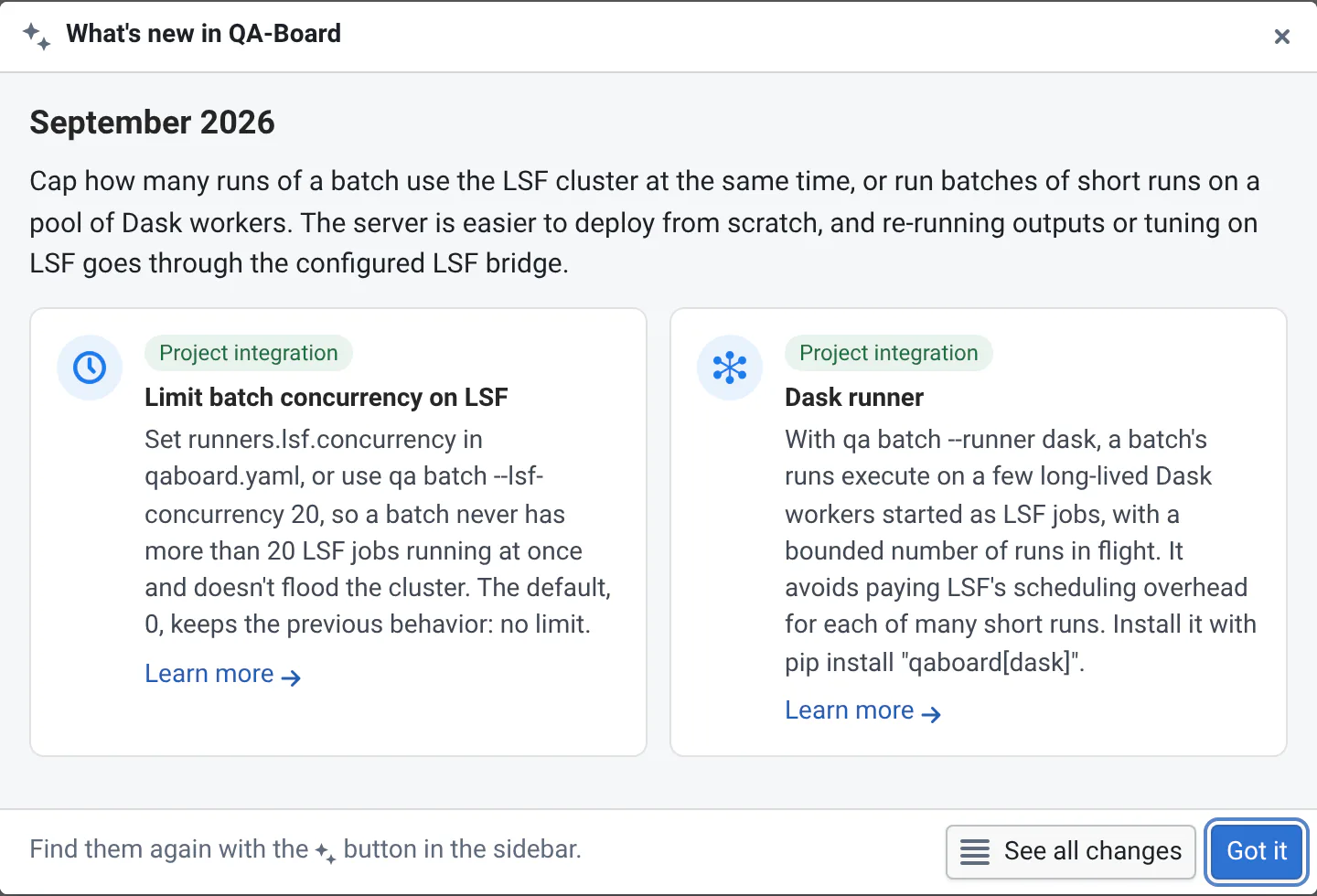
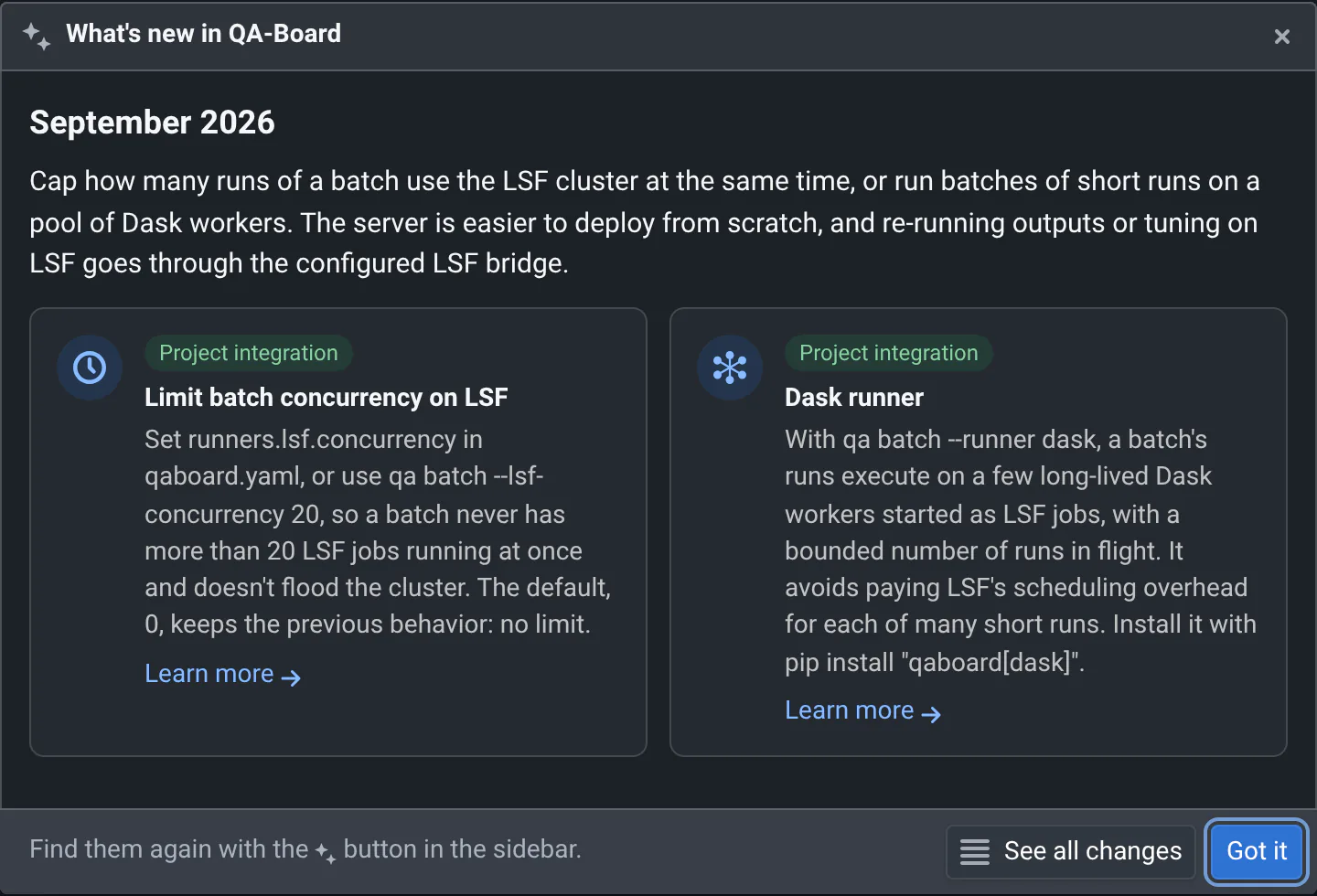
What you've seen is remembered by your browser. In another browser, on another computer or in a private window, the dialog shows up again.
Read the release notes anytime
Open the What's new side panel from:
- the What's new button (sparkles icon) in the header of the left sidebar, next to the theme and ? buttons. A dot on it means there are notes you haven't read yet;
- the What's new link in the footer of every page;
- the What's new button in the top bar of the home page and of Explore, and the What's new card on your home page.
The panel lists all the release notes, newest first. Notes you haven't seen yet are tagged New. The current month's notes are a preview, tagged In progress: they are updated as changes land, and pop up once the month is over. Use the search box to find when something changed, e.g. "history", "video" or "admins": it shows only the highlights and changes that match every word, under their section headings. A word can match the heading: "image" also shows the changes listed under "Comparing images". Search a month, like "October 2026", to see its whole note.
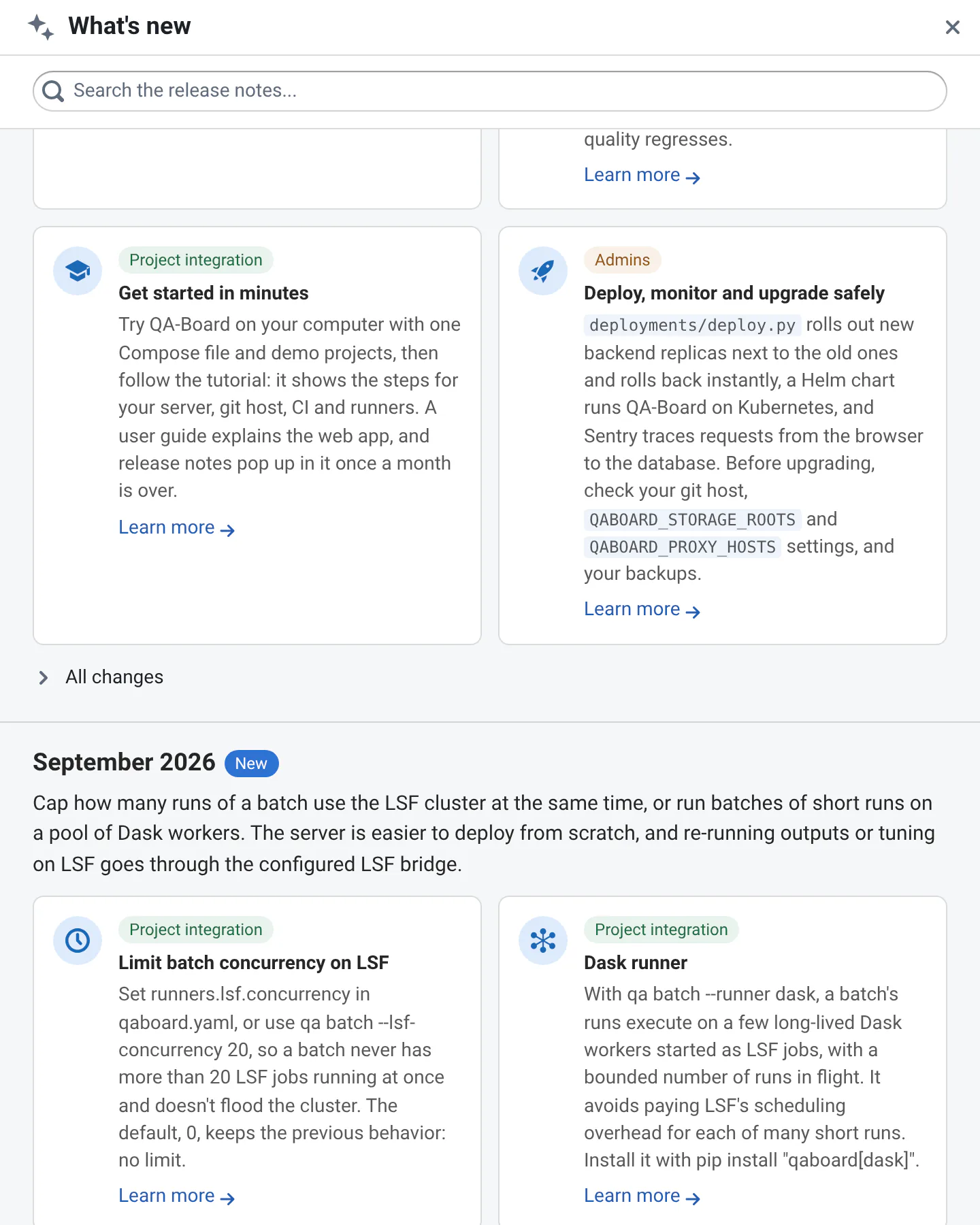
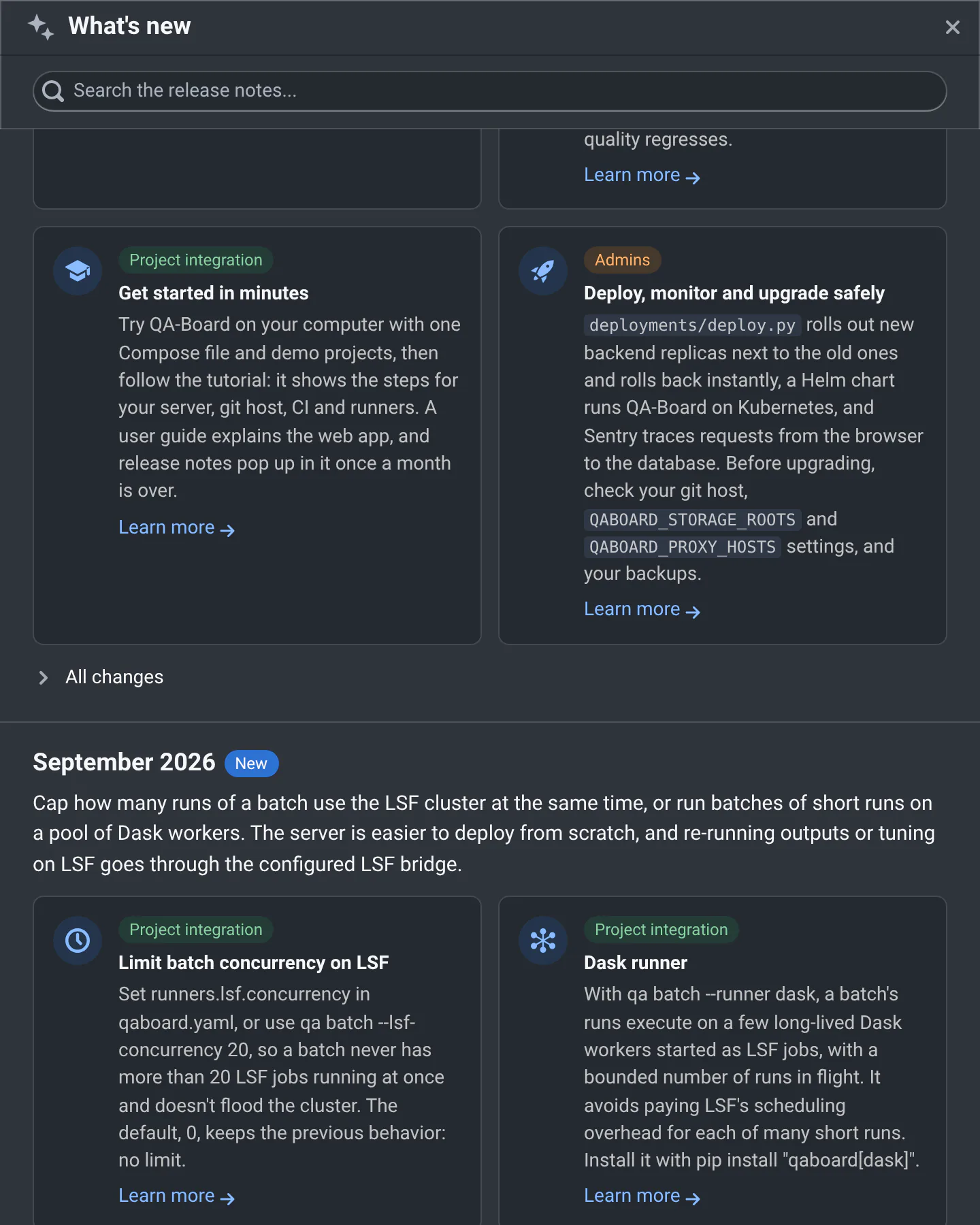
The link https://<your-qaboard>/#whats-new opens the panel directly, from any page. Use it to point colleagues to a new feature in a chat.
What's in a release note
Each release note covers a month (or a quarter, or a year, for older history):
- a short summary, for busy readers;
- highlight cards for the most important changes, each tagged for who it matters to (Users, Project integration or Admins), with a Learn more link to the docs;
- All changes, the details per area: Web app, CLI and project setup, Server and administration, Documentation, Performance, Fixes. In the panel, click All changes to expand them.
The full archive
All release notes are also on the docs website, at Release notes. Follow them in your feed reader with the RSS or Atom feeds.
Maintainers: see the contributing notes in CLAUDE.md to write release notes.