Set a project's gate rules
A project's quality gate fails a commit in CI when its results regress against the reference: a metric gets worse than allowed, runs fail, outputs stop being identical. Most of its rules live with the code, in the project's qaboard.yaml. As an owner, you can add rules that hold whatever a commit says.
Open Admin → Quality gate in the project's sidebar. Everyone who can see the project can read the page; owners change it.
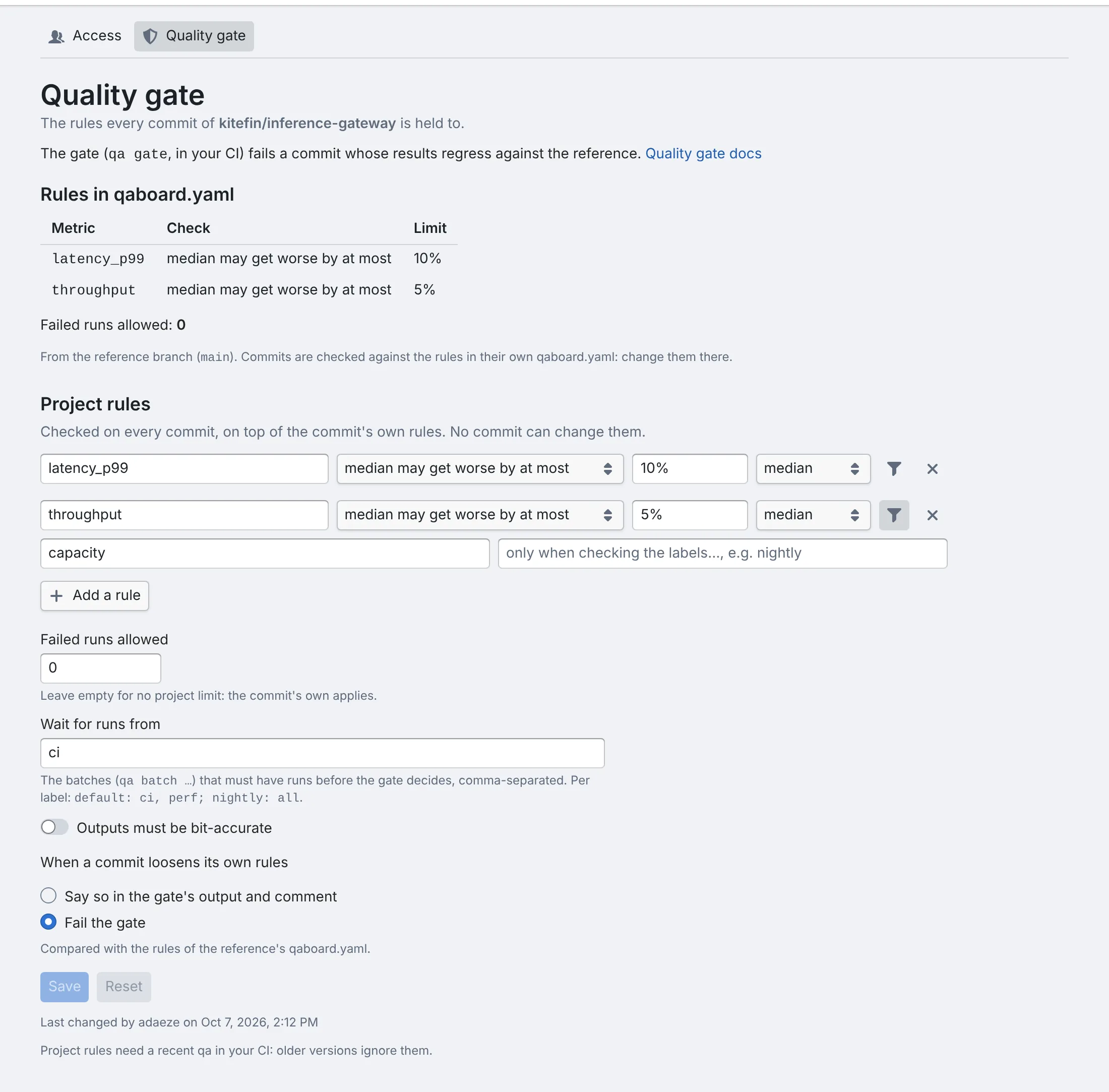
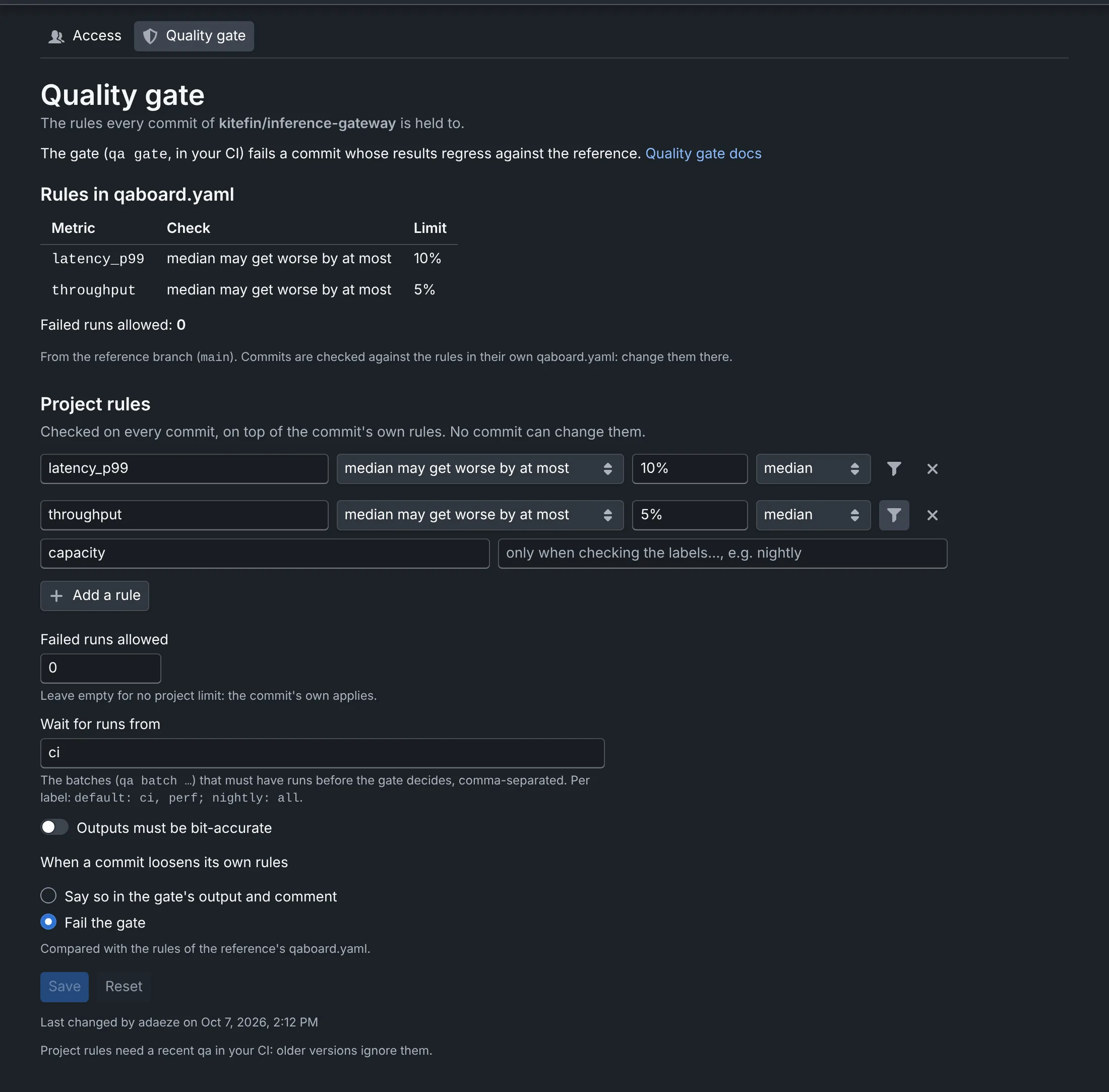
See what commits are checked against
Rules in qaboard.yaml lists the rules of the project's reference branch: for each metric, what is checked (its median over the runs, or each test) and the limit, then how many runs may fail and whether outputs must be bit-accurate. A commit is checked against the rules in its own qaboard.yaml, so a branch can differ: these are the rules it starts from.
When a rule only checks some runs, the table has a Runs column: only qa batch perf for the runs of one batch
of tests, only the label nightly for the results of one label, every run for the others. Waits for runs
from lists the batches that must have runs before the gate decides.
To change them, edit qaboard.yaml: see Quality gate.
Add rules no commit can change
A commit can loosen a rule in the same change that breaks it. Project rules are checked on every commit, on top of its own rules, and only owners change them, here.
- Click Add a rule.
- Type the metric's name, as your runs return it, e.g.
latency_p99. - Choose what to check: the median (or the mean, the smallest, the largest value) may get worse by at most a percentage of the reference's, each test may get worse by at most a percentage, or a value it must stay at least or at most.
- Type the limit:
5%for the first two, a number in the metric's unit for the others. - Optionally, click Only for… (the filter button) to check only some runs: type the batches, as named
after
qa batch(perf, orunit, integration), or the labels of the results, as the batch selector shows them (nightly; the CI's isdefault). Separate several with commas; patterns likeperf-*work too. Click it again to check every run. - Optionally, set how many failed runs are allowed, and whether outputs must be bit-accurate. The stricter of your setting and the commit's applies.
- Optionally, in Wait for runs from, list the batches that must have runs before the gate decides, e.g.
ci, perf: until then it can't decide. For one label only, writedefault: ci, perf; nightly: all. They're added to those the commit's qaboard.yaml waits for. - Save.
The page warns you before you leave it with rules you didn't save. When two owners edit at the same time, the last one to save wins.
In the gate's table, in CI and on pull requests, your rules are marked [project rule]. The page says who changed
them last; the server's admins see every change in the audit log.
Start with the few rules that must never break: no unsafe action, no run failing, a floor on your main metric. Keep the thresholds people tune in qaboard.yaml, where they're reviewed with the code.
Decide what happens when a commit loosens its rules
The gate compares a commit's rules with those of the reference's qaboard.yaml, and says when they're looser: a higher allowed regression, a lower floor, a removed rule.
- Say so in the gate's output and comment (default): reviewers see it on the pull request.
- Fail the gate: the commit fails until its rules are no looser than the reference's. The looser rules reach the reference branch when people decide to merge them.
Good to know
- Project rules need a version of
qathat reads them, in your CI: older versions ignore them. Rules for some batches or labels, and batches to wait for, need a version from November 2026: older ones stop with an error that asks to upgrade, rather than check part of the rules. - Rules are per project. In a repository with several projects, each has its own.
- The gate runs in your CI: see what project rules guarantee.
Where to go next
- Project integrationQuality gateThe rules in qaboard.yaml, and the CI job.
- Project integrationThe gate on pull requestsThe comment and the commit status reviewers see.
- Who can access a projectRoles, and how owners manage members.